
Why Does Slack Go Idle So Fast? The Real Triggers
Slack feels trigger-happy because the timer is shorter than people expect, it only counts input inside Slack, and three common events skip it entirely. Each trigger has a tell and a fix.
Slack's idle timeout feels trigger-happy for two reasons. The timer is shorter and narrower than people expect: 10 minutes, counting only input inside the Slack client. And three everyday events skip the timer entirely, flipping you to idle at once.
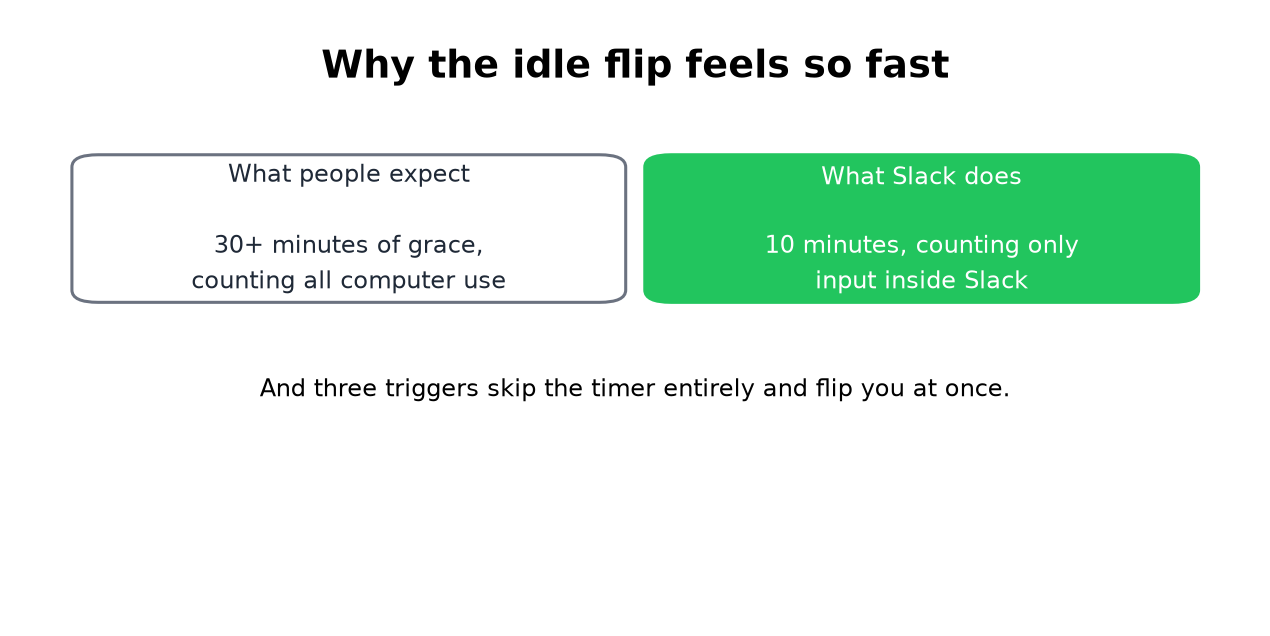
If you stepped away for two minutes and came back gray, the timer is not what flipped you. One of the instant triggers did.
The three instant flips
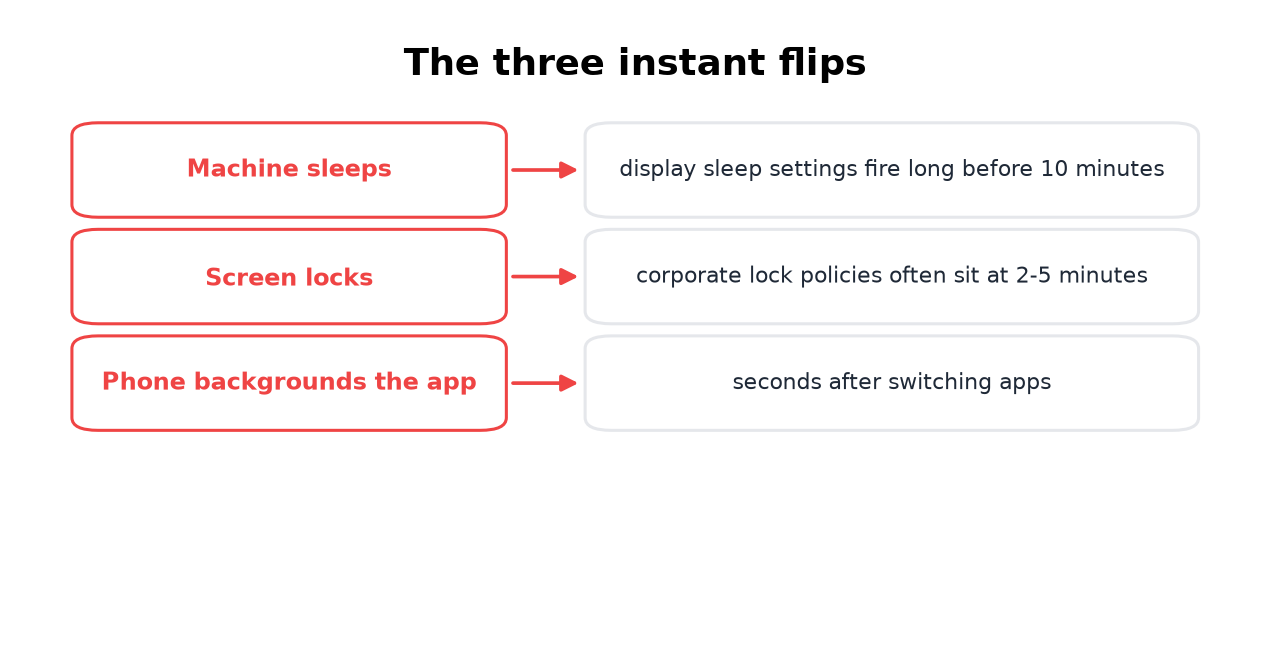
- • Your machine slept. Display and system sleep settings usually fire well before Slack's 10 minutes. The moment the machine sleeps, you are idle, no countdown involved.
- • Your screen locked. Corporate lock policies at 2 to 5 minutes are the most common cause of "I was gone two minutes". A locked screen reports away almost immediately.
- • Your phone backgrounded the app. On mobile there is no timer at all.
Check your sleep and lock settings before blaming the timer. That one change explains most fast flips, and it is free to fix. On a work computer where you cannot change much, see keep a work computer awake without admin rights.
The timer itself is narrower than it looks
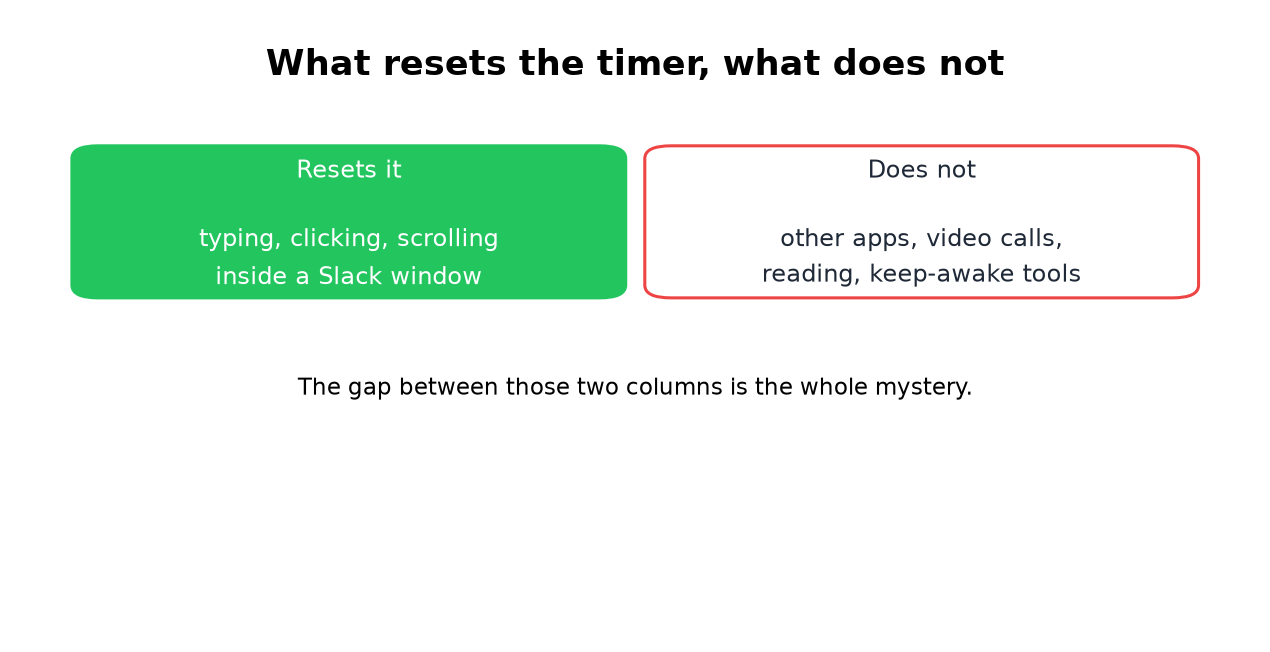
The 10-minute window only resets on typing, clicking, or scrolling inside a Slack window. Reading a document, sitting on a video call, or working in any other app counts as silence, because Slack cannot see input outside its own window. Keep-awake apps do not help either: they stop the sleep flip and nothing else, as the Caffeine test shows.
The full decision order, including how multiple devices combine, is in how Slack decides when you are away. The per-device numbers are in how long does Slack stay active.
What to do about it
Never appear "away" on Slack again
Cloud-based. No downloads. Works 24/7 even when your laptop is off.
Fix the free causes first: extend display sleep and screen lock beyond your typical break, and fully close the mobile app when you leave it. Then decide whether the 10-minute window still bothers you. If it does, the options run from touching Slack between tasks to a server-side schedule, compared honestly in how to keep Slack active. The last one is our tool, Slack Green, and the security notes apply to the whole category.
Frequently asked questions
What is Slack's idle timeout? Ten minutes without input inside the Slack client on desktop, seconds on the phone or at sleep and lock. No plan or admin setting can change the idle timeout, on any tier.
Why did Slack mark me idle after two minutes? An instant trigger: machine sleep, screen lock, or the phone backgrounding the app. The timer never runs in those cases.
Slack went idle for 30 minutes and I never noticed. Is my status offline? Idle shows the same hollow gray dot as offline. Nobody can tell the difference from outside, as covered in can you appear offline.
Can I stop Slack from going idle? You can remove the triggers: power settings for the instant flips, input inside Slack for the timer. The trigger-by-trigger fixes are in stop Slack from showing away.
The short version
Fast idle flips come from sleep, lock, and phone backgrounding, not the timer. The timer only counts Slack-window input and gives you 10 minutes. Fix the machine causes for free, and feed the input window by hand or on a schedule if the dot still matters after that.
Stop Jiggling Your Mouse.
Join hundreds of remote workers who never worry about their Slack status. Set it up once, stay green forever.
Related Articles
How to Show Spotify in Your Slack Status (3 Ways, One Free Script)
Slack has no built-in Spotify status. To show the song you are playing, add a Slack Marketplace app such as SpotMyStatus or Now Playing, sign in to Spotify, and it writes the track and artist into your status and clears it when you stop. Setup for each option, a free script for Mac, and what the status does not change.
How to Sync Your Zoom Status With Slack
The Zoom app for Slack can set your Slack status when you join a Zoom meeting or a Zoom Phone call: type /zoom config in Slack, open Settings, and turn on Enable Zoom Sync presence to Slack status. Steps, admin approvals, the calendar and third-party alternatives, and why none of them keeps your Slack dot green.
How to Add a GIF in Slack: Picker, /giphy and Uploads
Slack has a built-in GIF picker: click the smiley face in the message field, click GIFs, search, pick one and press Send. It works on desktop and mobile with no app. The /giphy command, uploading your own GIF, and animated GIF emoji are the other ways, plus what to check when GIFs are missing.