
Does Slack Track Your Mouse Movement?
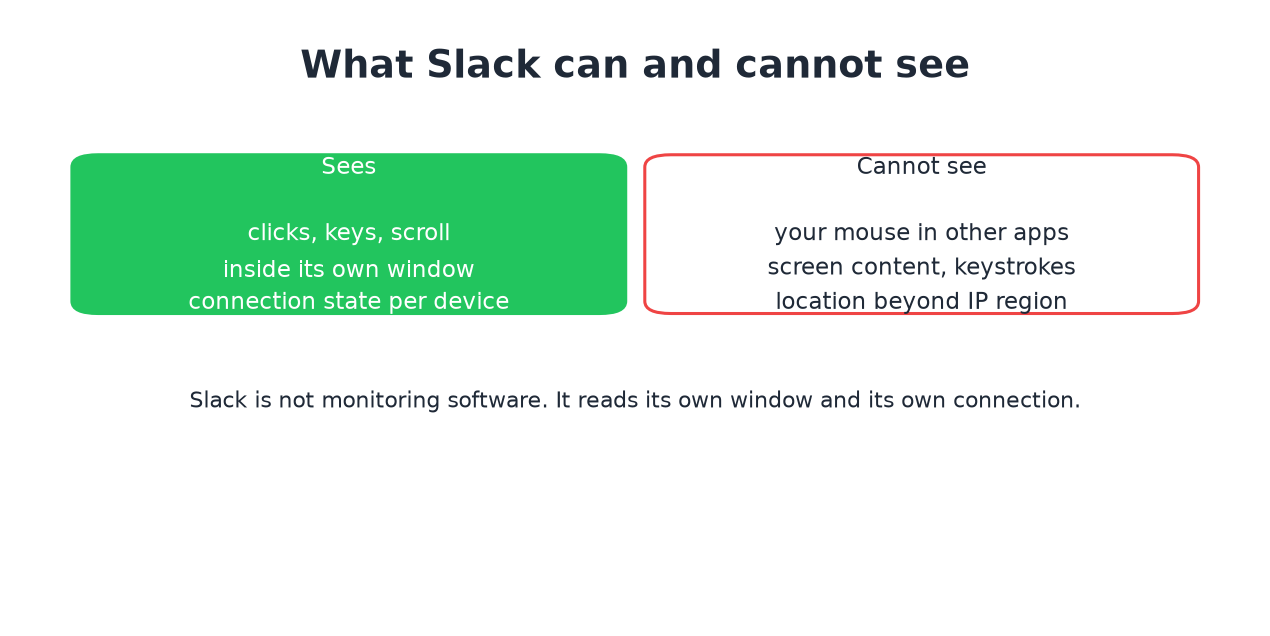
No. Slack reads clicks, keys, and scrolling inside its own window, plus each device's connection state. It cannot see your mouse in other apps, your screen, or your keystrokes. What that means for the dot and for monitoring.
No. Slack does not track your mouse movement. It reads exactly two things: input inside its own window, meaning clicks, keystrokes, and scrolling in Slack itself, and the connection state of each signed-in device. Your mouse in other apps, your screen contents, and your keystrokes elsewhere are invisible to it.
We build Slack Green, a presence tool that works with these exact signals, so this page states what they are rather than guessing.
What Slack actually reads
The presence dot runs on the input signal:
- • Typing, clicking, or scrolling inside a Slack window makes you active for 10 minutes, and fresh input resets the window. The full decision order is in how Slack decides when you are away.
- • Each device reports whether the app is connected, foregrounded on the phone, and whether the machine slept or locked. The per-device numbers are in how long does Slack stay active.
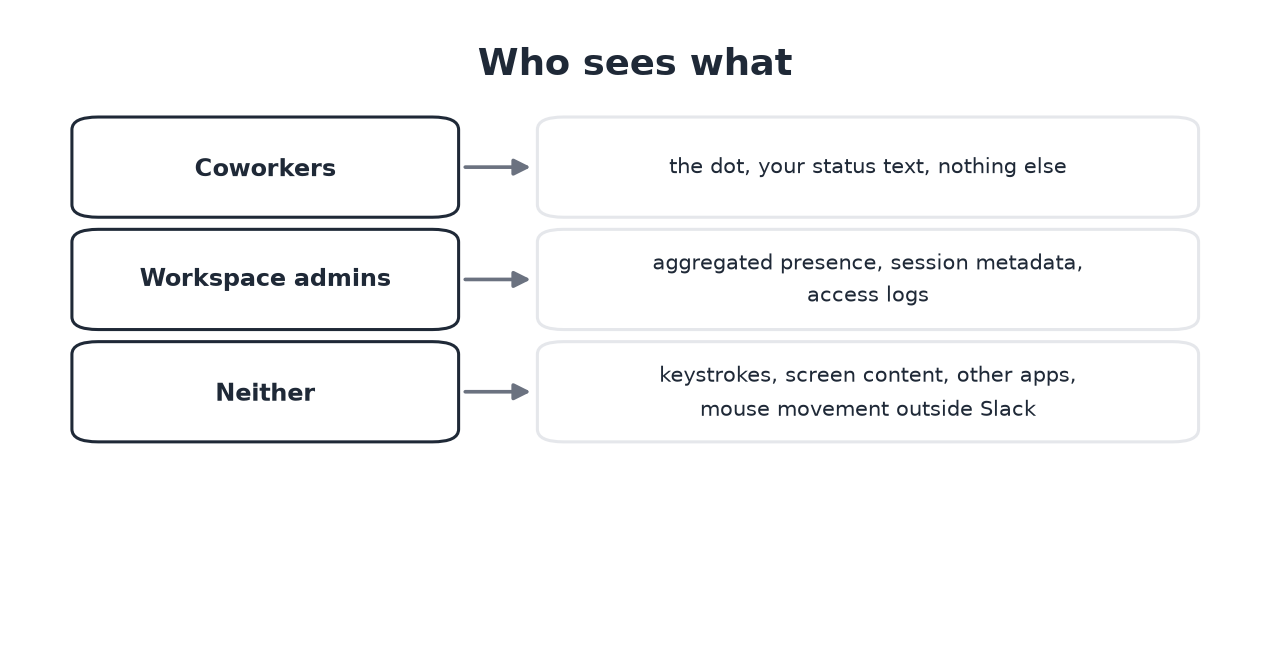
- • Coworkers see your presence dot and your status text. Nothing else.
- • Workspace admins see per-person days active and message counts in analytics, sign-in logs (device type, IP, access times) on paid plans, and audit logs on Enterprise. Everything an employer can pull out of Slack, plan by plan, is in can Slack be used to monitor employees.
- • Neither sees keystrokes, screen content, which apps you use, or how
That is the whole sensor suite. There is no screen capture, no keylogging, no webcam access, and no mouse tracking outside the Slack window. For the same reason, Slack cannot tell when you take a screenshot; see does Slack notify screenshots. The most common proof people run by accident: work all day in your editor and watch Slack flip you to away anyway. If Slack could see your mouse, that would never happen.
Who sees what
Why the confusion exists
Never appear "away" on Slack again
Cloud-based. No downloads. Works 24/7 even when your laptop is off.
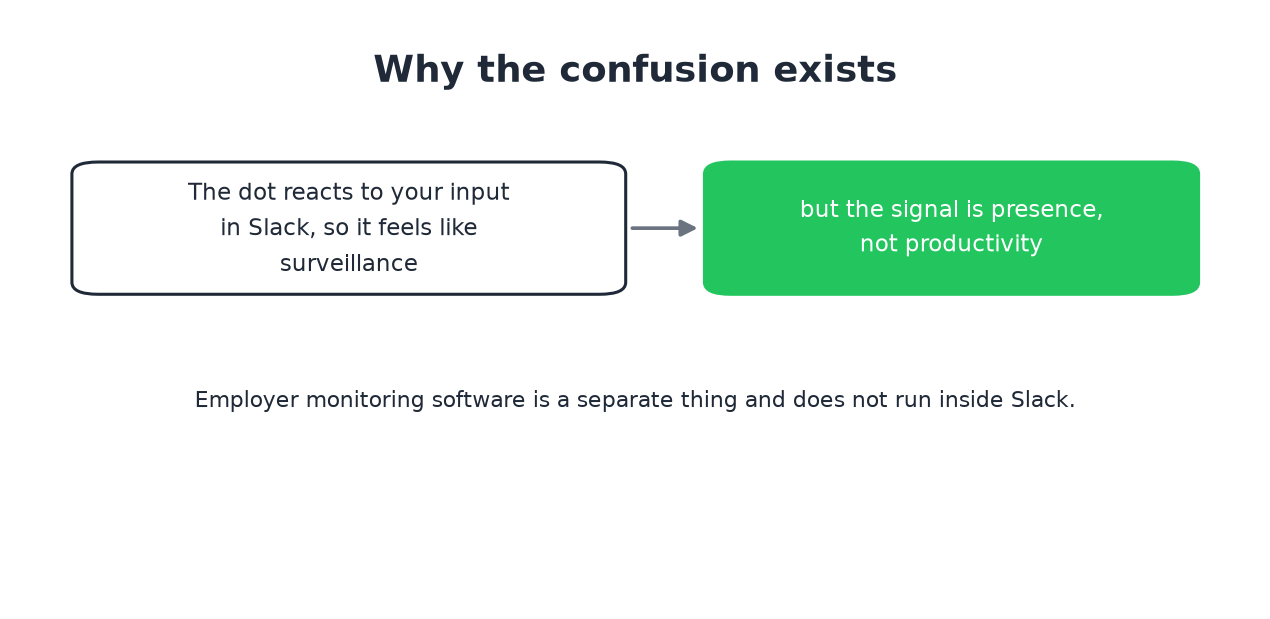
The dot reacts to your behavior, so it feels like surveillance. But the signal is presence, not productivity: it answers "did this person touch Slack lately", not "is this person working". Managers sometimes read the dot as a work meter anyway, which is the actual problem, and why keeping the dot green became a genre of software.
Separate from Slack: employer monitoring agents installed on a company laptop can track anything, including mouse movement. That software runs at the OS level and has nothing to do with Slack. On a personal machine with no such agent, nothing tracks your mouse.
Frequently asked questions
Does Slack track activity? Only activity inside Slack: input in its window and connection state per device. Activity in other apps is invisible to it.
Does Slack monitor your screen or keystrokes? No. No screen capture, no keylogging, on any plan.
Can Slack track your location? It sees your IP address like any web service, which gives a rough region in admin logs. There is no GPS or precise location tracking. Details in does Slack track your location.
Can my employer see that I use a mouse jiggler? Slack cannot. Endpoint monitoring on a company machine can flag software jigglers as a running process. The comparison, including the detection angle, is in Slack Green vs mouse jigglers. How IT finds each kind of jiggler is in can a mouse jiggler be detected.
The short version
Slack reads its own window and its own connection, nothing more. The dot is a presence signal that ignores everything you do outside Slack, which is exactly why it goes gray while you work. If that gray dot costs you explanations, the fixes are compared honestly in how to keep Slack active.
Stop Jiggling Your Mouse.
Join hundreds of remote workers who never worry about their Slack status. Set it up once, stay green forever.
Related Articles
Can My Employer Read My Work Email? Yes, and Here Is How
Yes. Work email lives in the company's Microsoft 365 or Google Workspace account, and admins can search, export and open any mailbox with eDiscovery or Google Vault, including mail you deleted if a hold covers it. Your manager can read it only if IT grants access. Every admin search leaves an audit record.
How to Show Spotify in Your Slack Status (3 Ways, One Free Script)
Slack has no built-in Spotify status. To show the song you are playing, add a Slack Marketplace app such as SpotMyStatus or Now Playing, sign in to Spotify, and it writes the track and artist into your status and clears it when you stop. Setup for each option, a free script for Mac, and what the status does not change.
How to Sync Your Zoom Status With Slack
The Zoom app for Slack can set your Slack status when you join a Zoom meeting or a Zoom Phone call: type /zoom config in Slack, open Settings, and turn on Enable Zoom Sync presence to Slack status. Steps, admin approvals, the calendar and third-party alternatives, and why none of them keeps your Slack dot green.