
Will I Get Caught Using Slack Green? The Honest Answer
What coworkers, Slack admins, and endpoint monitoring can each actually see, why the session looks like a normal browser login, and where the real risk lives: policy, not detection.
The honest answer: nothing about Slack Green trips a technical alarm, and the real question is your employer's policy, not detection. This page walks through what each observer can actually see, because we would rather you decide with the facts than with reassurance.
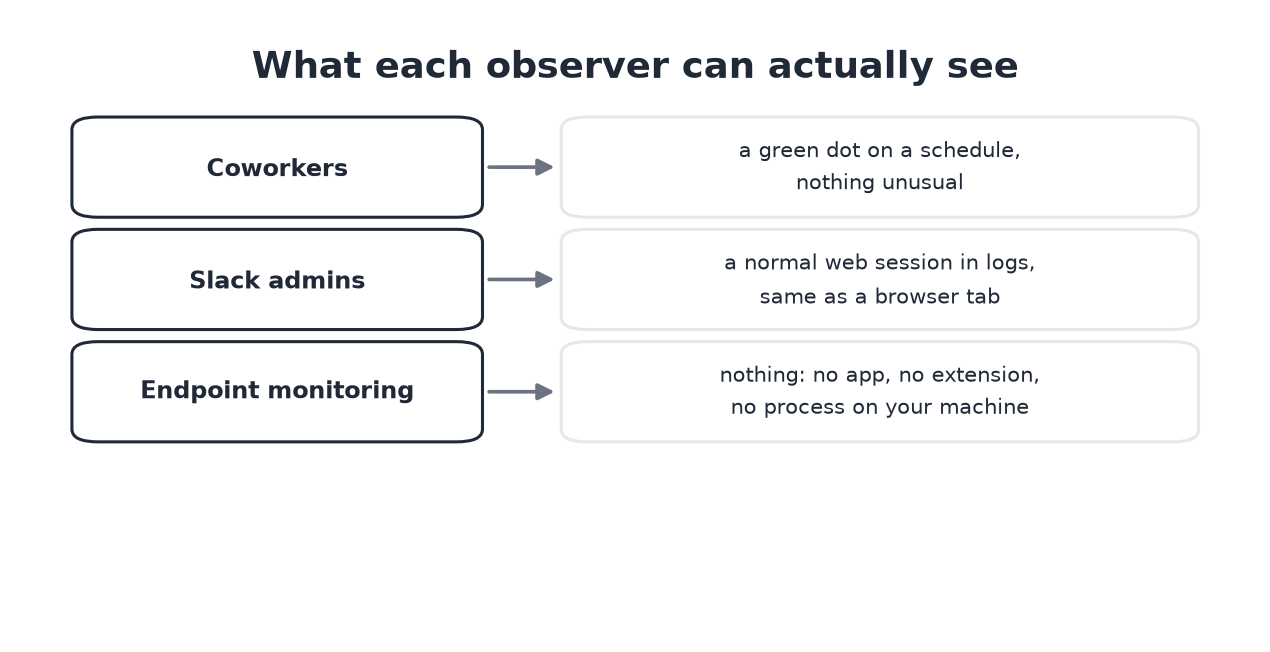
What each observer sees
- • Coworkers see your dot green during the schedule you set and gray outside it. A dot that follows working hours reads more naturally than one that never sleeps, which is why we push the schedule over 24/7.
- • Slack workspace admins can read access logs on paid plans: device type, IP, session times. Slack Green authenticates with your own session tokens, the same pair your browser uses, so the entry looks like a web login. What admin logs contain, and do not, is detailed in does Slack track mouse movement. The full list of what an employer can see through Slack, by plan, is in can Slack be used to monitor employees. Whether they can read your messages is a plan question, answered in can Slack admins see DMs.
- • Endpoint monitoring on a company laptop sees processes, input patterns, and installed extensions. Slack Green runs on our servers: no app, no extension, no process on your machine. This is the concrete difference from mouse jigglers, which live exactly where that software looks. How IT finds each kind of jiggler is in can a mouse jiggler be detected.
Where the real risk lives
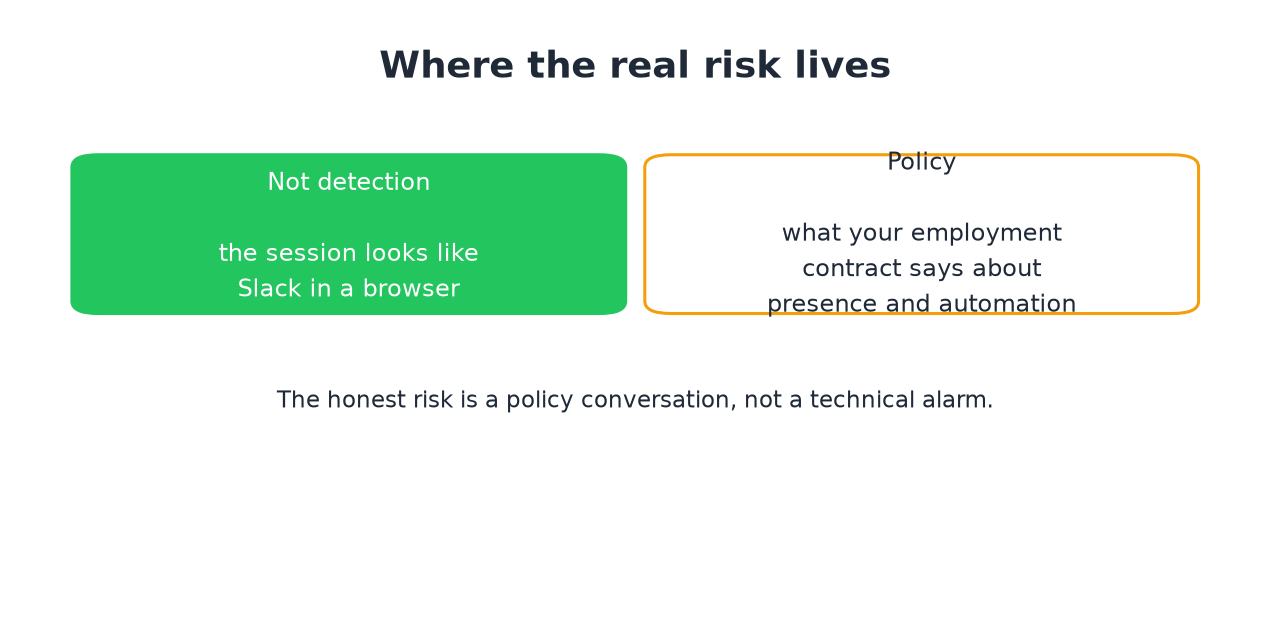
Detection is the wrong frame. The session is indistinguishable from Slack in a browser tab, and presence updates are ordinary client traffic. What remains is policy: some employment contracts and IT policies address automation, session sharing, or presence expectations. That is a document you can read and a conversation you can have, not an alarm that fires.
Our position, stated plainly: if presence is being used as a work meter, the dot was never measuring work in the first place. Fixing the expectation beats gaming it, and a written response-time norm beats both. Slack Green exists for the gap where the norm does not exist yet and the dot still costs you explanations, and how to keep Slack active compares it against every alternative.
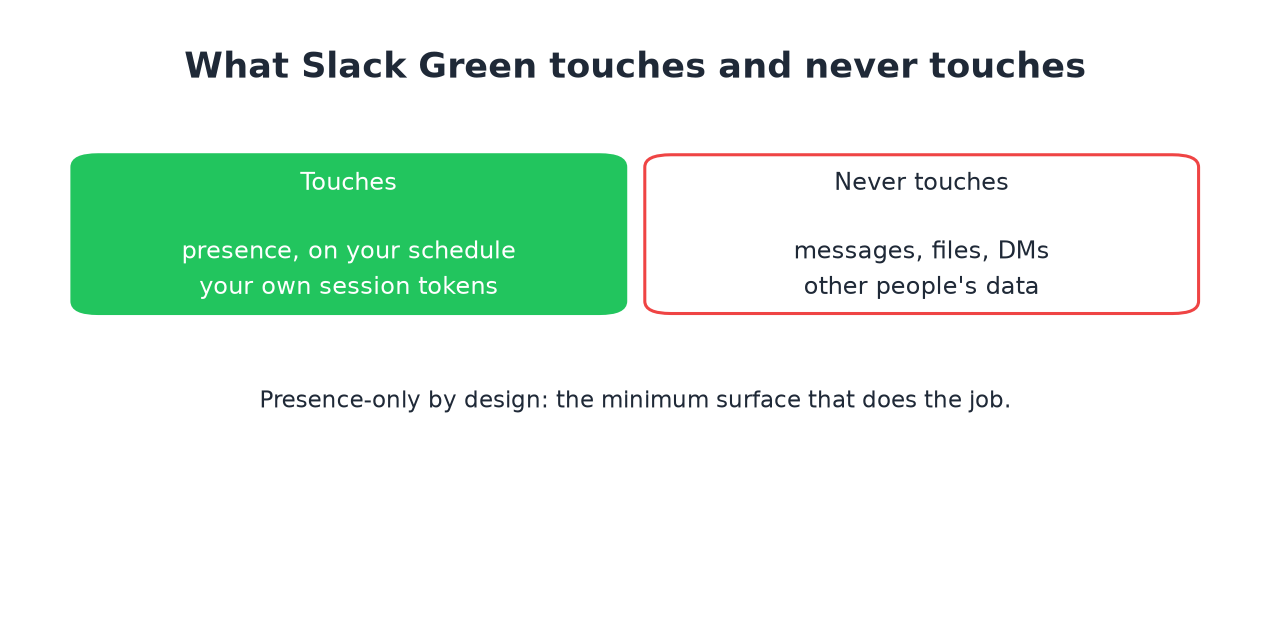
What Slack Green touches and never touches
Never appear "away" on Slack again
Cloud-based. No downloads. Works 24/7 even when your laptop is off.
Frequently asked questions
Can my employer detect Slack Green? Not through Slack, and not through device monitoring, because nothing runs on the device. Admin logs show a normal web session.
Is using it against Slack's terms? Automating your own session is a gray zone Slack has not enforced against individuals. Employer policy is the more real constraint, and worth actually reading.
Does a green dot at 3am give it away? It can look odd, which is why the default recommendation is a schedule that matches your hours, not 24/7.
What happens if I get asked about it? The honest conversation: the dot does not measure work, here is what I deliver. If that conversation is unsafe at your company, weigh that before using any presence tool, ours included.
The short version
Coworkers see a normal dot, admins see a normal session, monitoring sees nothing local. The remaining risk is a policy question you can read up front. If that trade sits right with you, Slack Green takes about two minutes to set up.
Stop Jiggling Your Mouse.
Join hundreds of remote workers who never worry about their Slack status. Set it up once, stay green forever.
Related Articles
Slack Emoji for Announcements, Updates and Reminders
The standard Slack emoji for an announcement is 📣 :mega: or 📢 :loudspeaker: at the start of the post. Use 🚨 :rotating_light: only for real emergencies, 🆕 :new: for updates, ⏰ :alarm_clock: for reminders, and ask readers to react with ✅ :white_check_mark: once they have read it. Templates and a custom emoji idea.
Slack Status for a Doctor Appointment: 24 Statuses and Emoji
A Slack status for a doctor appointment says you are out and when you are back, such as 🏥 'At an appointment, back at 2 PM.' You do not have to say what kind. 24 statuses for doctor, dentist and other appointments, the emoji codes, and how to schedule the status so it clears by itself.
Slack Status for Limited Availability: 30 Statuses to Copy
A Slack status for limited availability says you are around but slow, until when, and how to reach you if it is urgent, such as ⏳ 'Limited availability today, replies after 3 PM. Urgent: @mention me.' 30 statuses for busy days, slow replies and catching up, the emoji to use, and when to pause notifications too.