
Slack Green vs Mouse Jiggler: Which Keeps You Active?
A mouse jiggler fakes input on your machine and dies with the lid. A server-side tool holds a real Slack session and does not. What each costs, where each fails, and which fits your constraint.
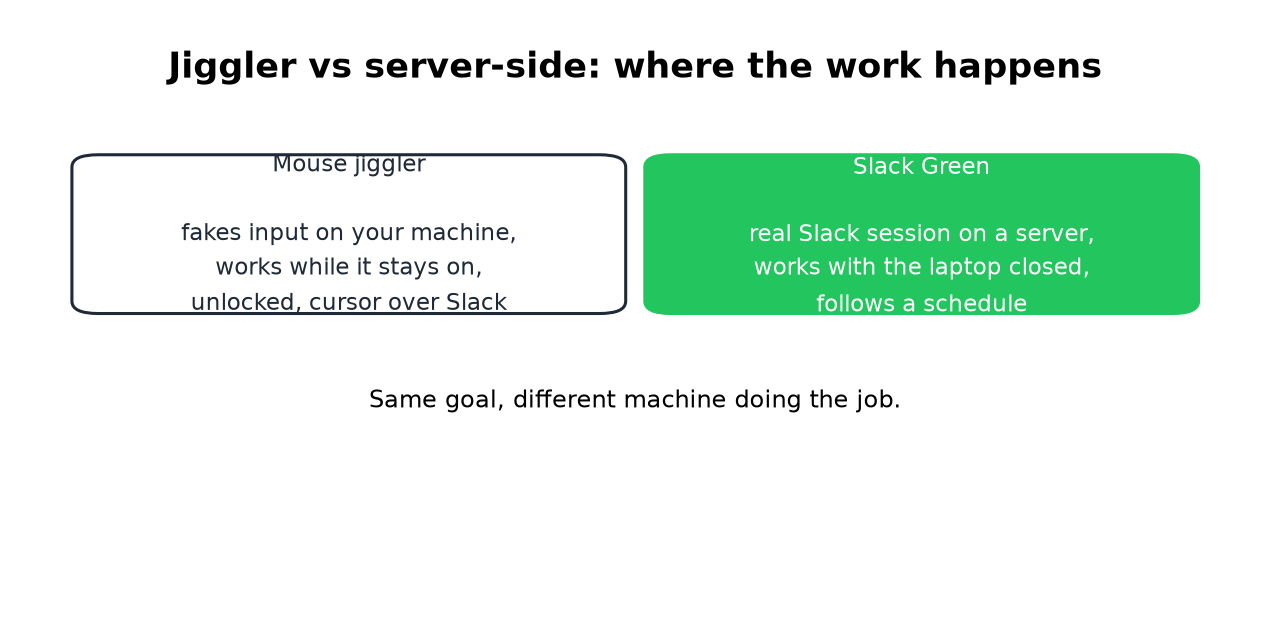
A mouse jiggler and Slack Green solve the same problem from different machines. The jiggler fakes input on yours, so it works while your machine is on, unlocked, and the cursor sits over Slack. Slack Green holds a real Slack session on a server, so it works with your laptop closed. That one difference decides almost every comparison below. We build Slack Green, so check our claims against the full method guide.
Why a jiggler often fails at the one job
Slack counts input inside its own window and nothing else. A jiggler moving the cursor over your email keeps the machine awake and the dot gray. It helps only with the cursor parked over the Slack window, and even then only until the lid closes or the screen locks.
Microsoft Teams is the opposite case: it counts input anywhere on the machine, so a jiggler does keep Teams green, as covered in how to keep your Teams status Available.
Hardware jigglers cost $25 to 35 and present as a USB mouse, which most IT setups tolerate. Software jigglers are free and are the first thing endpoint monitoring flags on a managed machine.
What kills each approach
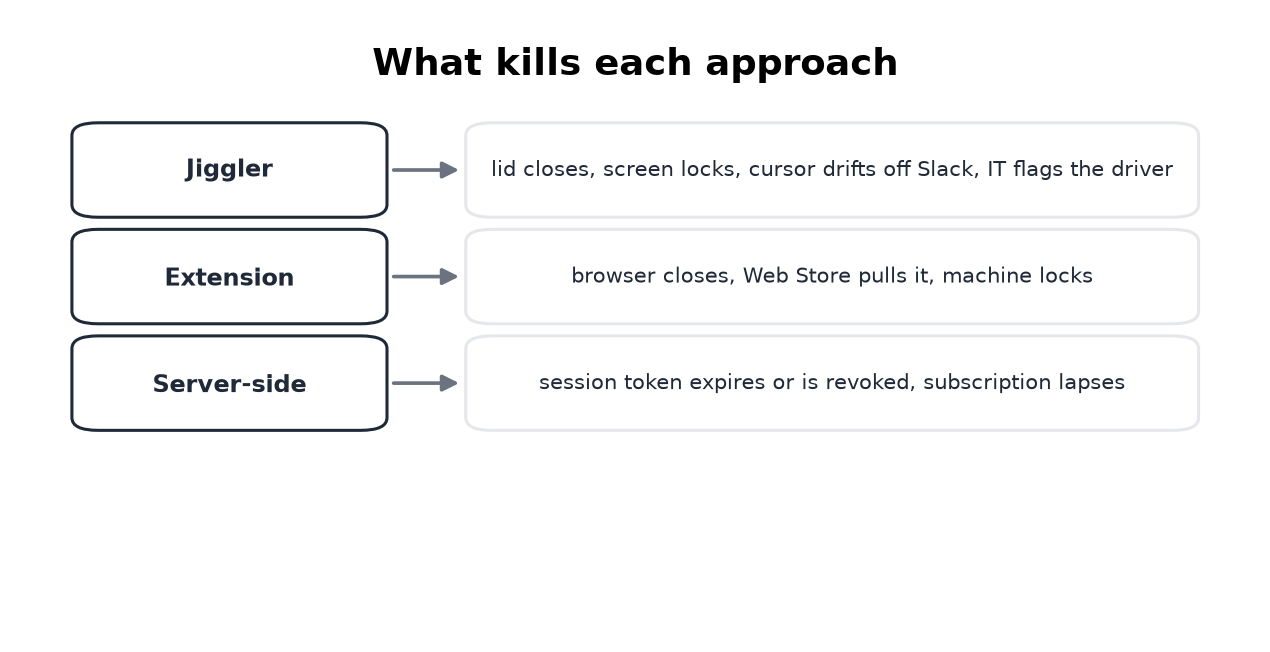
Every option in this market has a specific death:
- • Jiggler: closed lid, locked screen, cursor drift, an IT audit of input devices.
- • Browser extension: the browser closes, or the Web Store removes it, as happened to the biggest one in 2024.
- • Server-side: the session token expires or gets revoked, covered in how the tokens work. No machine on your desk is involved.
The comparison, straight
Never appear "away" on Slack again
Cloud-based. No downloads. Works 24/7 even when your laptop is off.
| Mouse jiggler | Slack Green | |
|---|---|---|
| Price | $25-35 once | Free tier, Pro $3.99/mo |
| Machine must stay on | Yes, unlocked | No |
| Works with laptop closed | No | Yes |
| Cursor placement matters | Yes, over Slack | No |
| Schedule support | No | Yes |
| What IT can see | A USB device or a flagged process | Nothing on your machine |
| Trust required | None | A service holds your session token |
The last row is the honest cost of our side. Read the security notes before handing any service a token, ours included.
Pick by constraint
Frequently asked questions
Does a mouse jiggler keep Slack active? Only when the cursor sits over the Slack window. Anywhere else, Slack sees nothing and flips you at the 10-minute mark.
Can my employer detect a mouse jiggler? Often, yes. Hardware models present as a USB mouse, which still leaves a second mouse in the device logs of a managed laptop. Software jigglers show up as a running process and as injected input. The checks IT runs for each type are in can a mouse jiggler be detected. What monitoring can actually see is in will I get caught.
Is there a mouse mover made for Slack? A generic mover does not target Slack, which is the core problem. The Slack-specific route is input inside the Slack window or a server-side session.
Which is better for a work laptop that closes at 5? The one without a machine: a closed laptop ends every local option, jiggler and extension alike.
The short version
Never appear "away" on Slack again
Cloud-based. No downloads. Works 24/7 even when your laptop is off.
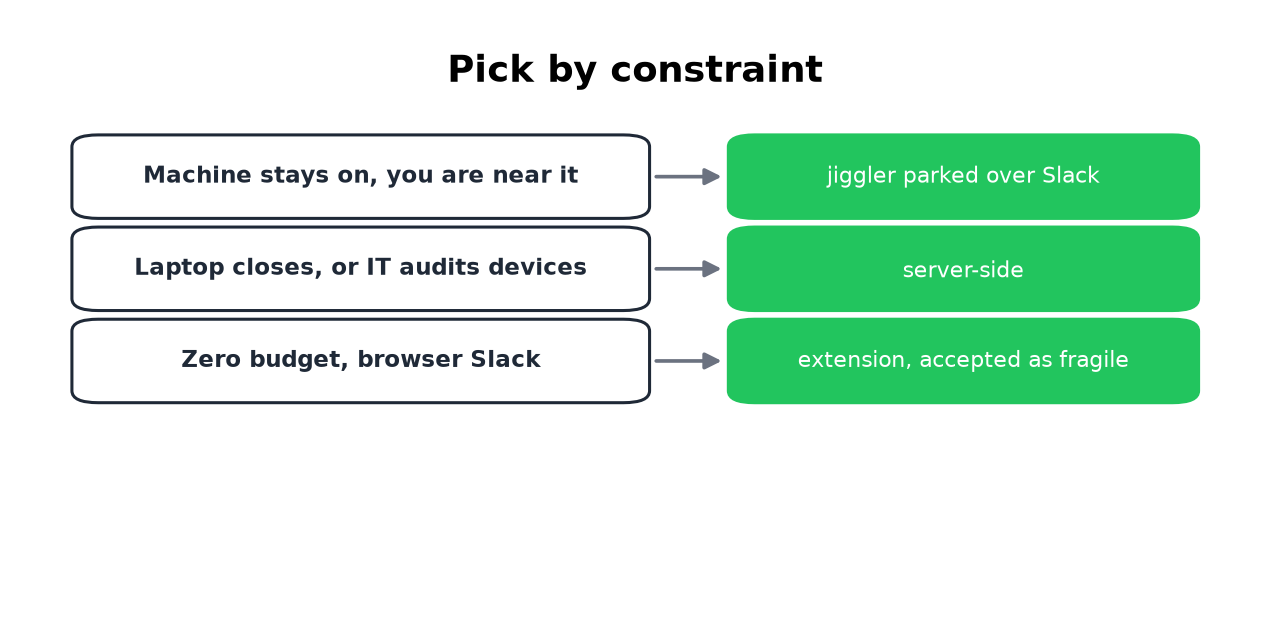
Buy a jiggler if your machine stays on and your cursor can live on Slack. Use Slack Green if the laptop closes, the machine is audited, or you want the dot on a schedule instead of on your presence.
Stop Jiggling Your Mouse.
Join hundreds of remote workers who never worry about their Slack status. Set it up once, stay green forever.
Related Articles
Slack Emoji for Announcements, Updates and Reminders
The standard Slack emoji for an announcement is 📣 :mega: or 📢 :loudspeaker: at the start of the post. Use 🚨 :rotating_light: only for real emergencies, 🆕 :new: for updates, ⏰ :alarm_clock: for reminders, and ask readers to react with ✅ :white_check_mark: once they have read it. Templates and a custom emoji idea.
Slack Status for a Doctor Appointment: 24 Statuses and Emoji
A Slack status for a doctor appointment says you are out and when you are back, such as 🏥 'At an appointment, back at 2 PM.' You do not have to say what kind. 24 statuses for doctor, dentist and other appointments, the emoji codes, and how to schedule the status so it clears by itself.
Slack Status for Limited Availability: 30 Statuses to Copy
A Slack status for limited availability says you are around but slow, until when, and how to reach you if it is urgent, such as ⏳ 'Limited availability today, replies after 3 PM. Urgent: @mention me.' 30 statuses for busy days, slow replies and catching up, the emoji to use, and when to pause notifications too.