
Does Amphetamine Keep Slack Active? Only Half the Problem
Amphetamine keeps your Mac awake, which stops the instant away flip that sleep causes. It does not create input inside Slack, so the 10-minute idle timer still turns you gray. What it fixes, what it cannot, and what to pair it with.
Half yes, half no. Amphetamine keeps your Mac awake, and a sleeping Mac flips you to away almost instantly, so it removes that one trigger. What it cannot do is create input inside Slack, and without input Slack still turns you gray at the 10-minute mark. Awake is not active.
We build Slack Green, which handles the half Amphetamine cannot, so this page is precise about where each tool's job ends.
What Amphetamine actually does
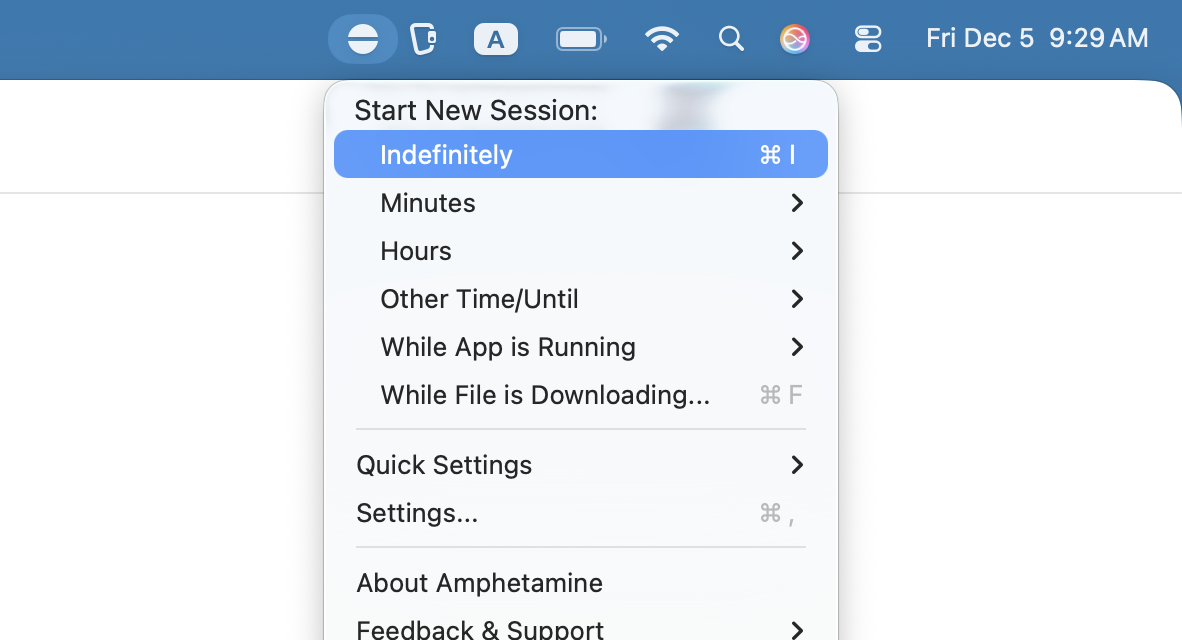
Amphetamine is a free Mac menu bar app that blocks sleep: display sleep, system sleep, or both, for a session you define. That matters for Slack because sleep and lock flip you to away within seconds, long before the idle timer would.
With Amphetamine running, the sleep flip never fires. If your away problems happen at your desk, two minutes after you stop for coffee, this fixes them, free.
What it cannot do
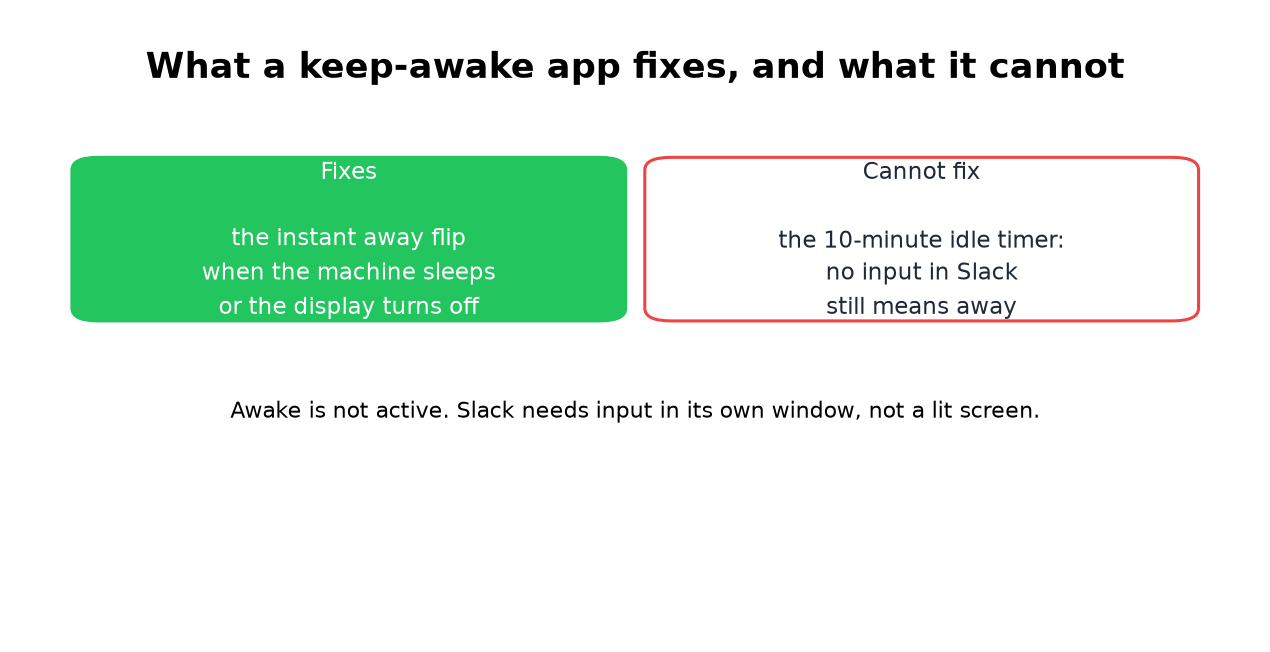
Slack counts clicks, keys, and scrolling inside its own window, and nothing else. A wide-awake Mac with your input going to other apps is silence to Slack, and the 10-minute timer runs out on schedule.

So the honest test result: Amphetamine alone keeps your machine on and your dot gray. People who report it "working" usually also touch Slack often enough to feed the timer without noticing.
What to pair it with
Never appear "away" on Slack again
Cloud-based. No downloads. Works 24/7 even when your laptop is off.
- • Input inside Slack. Your own clicks, a jiggler parked over the Slack window, or a browser extension. Machine must stay unlocked. The Mac jiggler options are compared in mouse jiggler for Mac.
- • A server-side schedule. Slack Green
Choosing between Amphetamine and other keep-awake apps? See the best app to keep a Mac awake for Amphetamine, KeepingYouAwake, Caffeine, Lungo and KeepAwake side by side. If you are leaving Amphetamine for a specific reason, Amphetamine alternatives for Mac matches each reason to an app.
Frequently asked questions
Does Amphetamine keep Slack green? Not by itself. It prevents the sleep flip, and the idle timer still fires at 10 minutes without Slack input.
Is Amphetamine detectable by my employer? It is a normal Mac app. On a managed machine, endpoint monitoring can see any installed app. What monitoring actually sees is in will I get caught.
Caffeine or Amphetamine for Slack? Same answer for both, and the Caffeine version explains the differences between the two apps.
What is the setting that keeps Slack active on a Mac? None exists, in Slack or macOS. The method comparison covers everything that works.
The short version
Amphetamine fixes the sleep flip and nothing else. Pair it with real input at your desk, or skip the pairing and put the dot on a schedule that does not care whether the Mac is awake.
Stop Jiggling Your Mouse.
Join hundreds of remote workers who never worry about their Slack status. Set it up once, stay green forever.
Related Articles
Slack Emoji for Announcements, Updates and Reminders
The standard Slack emoji for an announcement is 📣 :mega: or 📢 :loudspeaker: at the start of the post. Use 🚨 :rotating_light: only for real emergencies, 🆕 :new: for updates, ⏰ :alarm_clock: for reminders, and ask readers to react with ✅ :white_check_mark: once they have read it. Templates and a custom emoji idea.
Slack Status for a Doctor Appointment: 24 Statuses and Emoji
A Slack status for a doctor appointment says you are out and when you are back, such as 🏥 'At an appointment, back at 2 PM.' You do not have to say what kind. 24 statuses for doctor, dentist and other appointments, the emoji codes, and how to schedule the status so it clears by itself.
Slack Status for Limited Availability: 30 Statuses to Copy
A Slack status for limited availability says you are around but slow, until when, and how to reach you if it is urgent, such as ⏳ 'Limited availability today, replies after 3 PM. Urgent: @mention me.' 30 statuses for busy days, slow replies and catching up, the emoji to use, and when to pause notifications too.