
Slack unfurl_links and unfurl_media: What Each Flag Does, Tested
We posted a web page, a YouTube video and an image with every combination of unfurl_links and unfurl_media on 1 October 2026, then built a custom preview with link_shared and chat.unfurl. The flags do not split the way the names suggest.
unfurl_links and unfurl_media are chat.postMessage flags that control the link previews under a bot's message. In our tests on 1 October 2026, a bot message with neither flag set unfurled every link. Setting unfurl_links: false removed the preview for every kind of link we tried, including images and YouTube. Setting unfurl_media: false removed the preview for YouTube and for a direct image link, but not for a normal web page. To show your own preview for your own domain, subscribe to link_shared and answer with chat.unfurl; that part is further down.
We posted each URL from a bot token in a fresh test channel, waited 20 seconds, and read the attachments of each message with conversations.history. The previews are what Slack web showed.
Every combination, measured
Flags on chat.postMessage | Web page (github.com) | YouTube video | Direct .png link |
|---|---|---|---|
| none (defaults) | preview | preview with player | image |
unfurl_links: true, unfurl_media: true | preview | preview with player | image |
unfurl_links: true, unfurl_media: false | preview | none | none |
unfurl_links: false, unfurl_media: true | none | none | none |
unfurl_links: false, unfurl_media: false | none | none | none |
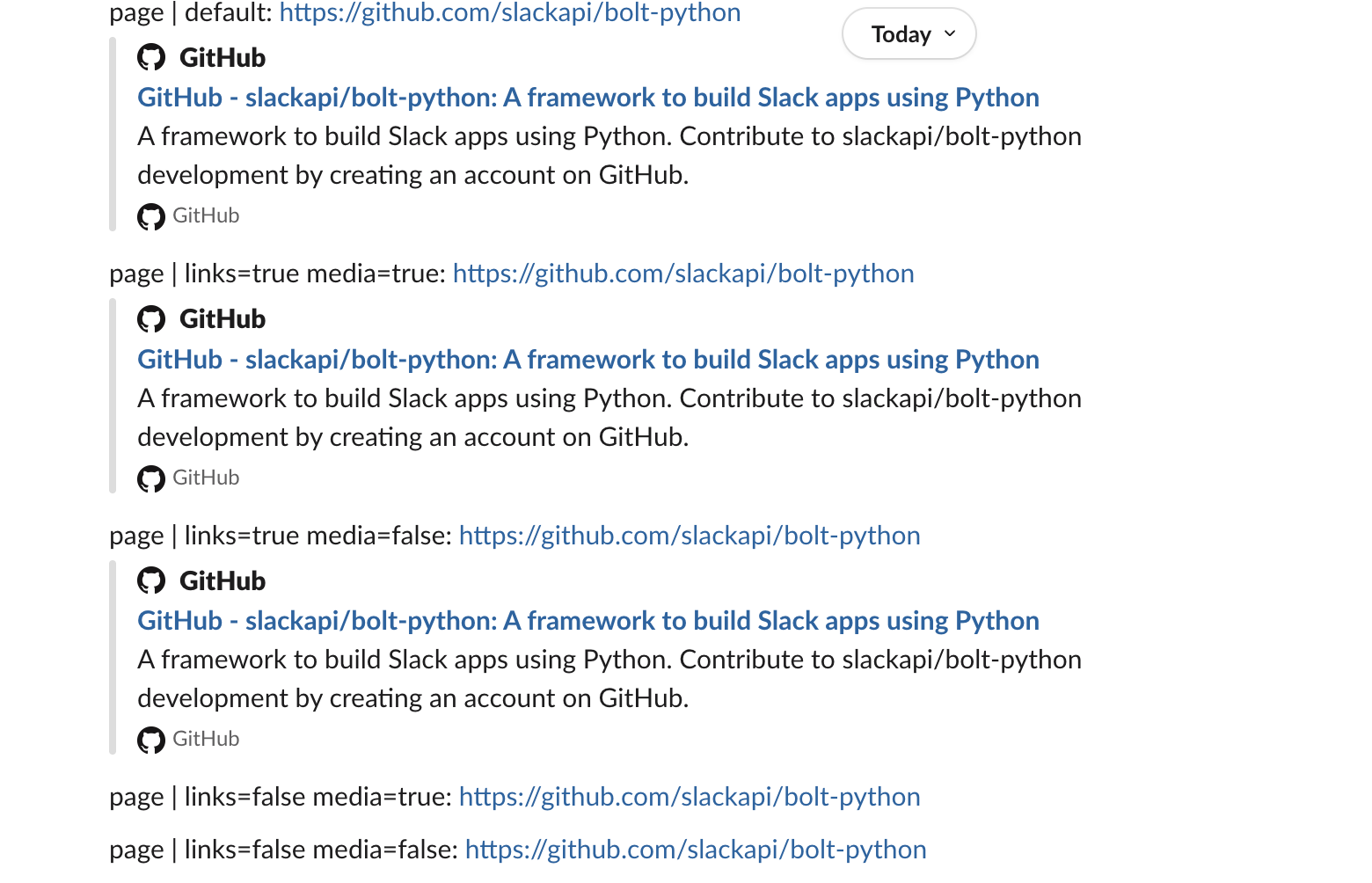
The row people get wrong is unfurl_links: false, unfurl_media: true. You might expect it to keep images and videos and drop page cards. It dropped everything. We ran that row again in a new channel, first for the image and then for the video, and once with form-encoded "false" strings instead of JSON booleans. Still no preview. Sending only unfurl_media: true gave the image preview back.
So:
- • To post with no previews at all, send
unfurl_links: false. - • To keep page cards but drop images and video players, send
unfurl_media: false. - • There is no flag combination that keeps images and videos but drops page cards.
- • the domain under App unfurl domains (in the manifest:
features.unfurl_domains); - • the
links:readscope and thelink_sharedbot event; - • the
links:writescope to callchat.unfurl.
These flags only change messages your app posts. A person who wants to hide previews in their own Slack uses the Preferences settings in how to turn off link previews in Slack.
Custom previews with link_shared and chat.unfurl
For links to a domain you own, your app can draw the preview itself. The app needs:
When a person posted a slack.green link, our Socket Mode app received this event (the envelope and its verification token left out):
{
  "type": "link_shared",
  "user": "U0B7L4YK420",
  "channel": "C0C5QDNUJ7M",
  "message_ts": "1790838686.165969",
  "links": [
    {
      "url": "https://slack.green/en/blog/how-to-turn-off-link-previews-in-slack",
      "domain": "slack.green"
    }
  ],
  "source": "conversations_history",
  "unfurl_id": "C0C5QDNUJ7M.1790838686.165969.8a41eb552b7c0409ff60e6928bc15987e3ea529f4070a0e0de431be274d5a766",
  "is_bot_user_member": true
}
This is the handler we ran with Bolt for Python:
@app.event("link_shared")
def on_link(event, client):
    unfurls = {}
    for link in event["links"]:
        unfurls[link["url"]] = {"blocks": [
            {"type": "section", "text": {"type": "mrkdwn",
             "text": f"*Custom preview from the app*\n<{link['url']}|{link['url'].split('/')[-1]}>"}},
            {"type": "context", "elements": [{"type": "mrkdwn",
             "text": "Unfurled by chat.unfurl from a link_shared event"}]},
        ]}
    client.chat_unfurl(channel=event["channel"], ts=event["message_ts"], unfurls=unfurls,
                       source=event.get("source"), unfurl_id=event.get("unfurl_id"))
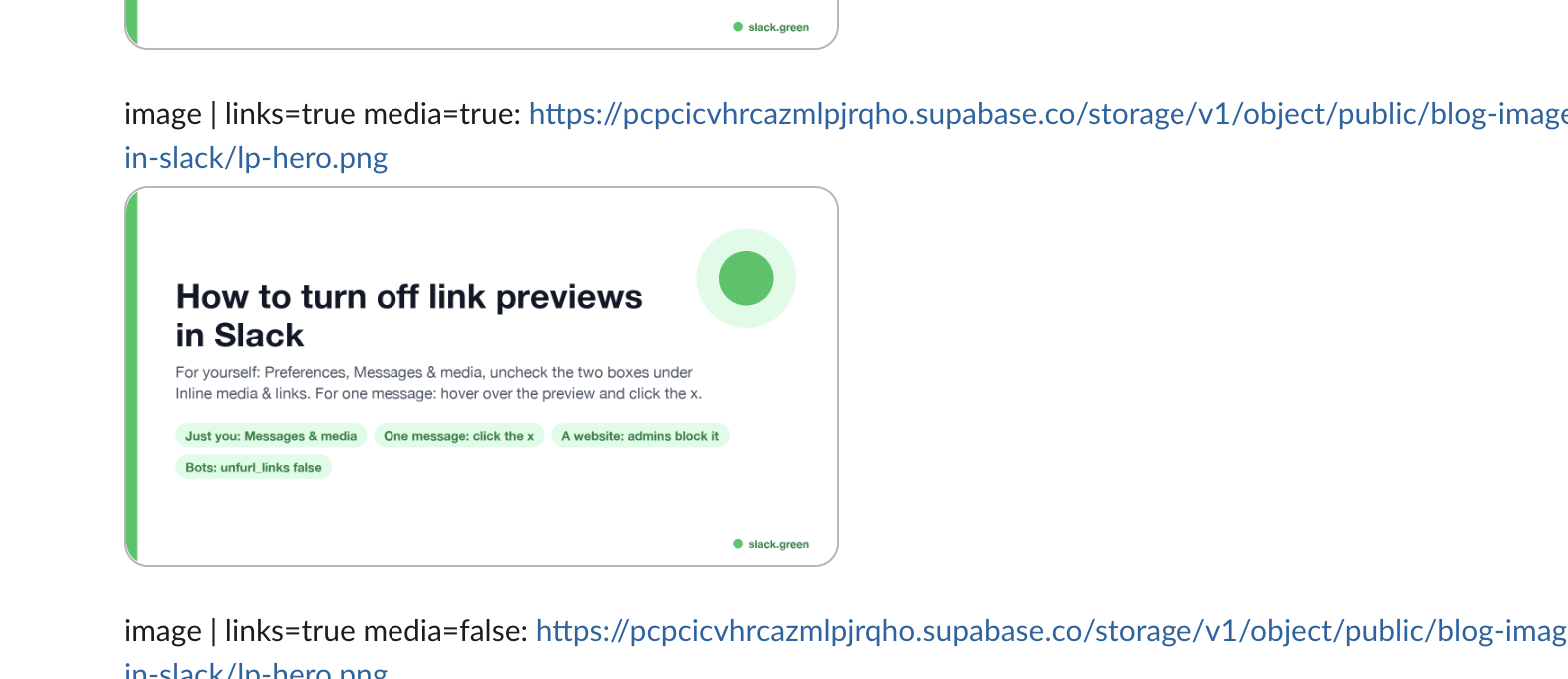
chat.unfurl returned {"ok": true} and the preview replaced Slack's own card for that link:

Three things we saw that the reference does not spell out:
link_shared event, the message got no preview at all. Slack did not fall back to its own card for the domain, even after 30 minutes.slack.green link, no link_shared event came, and there was no preview either.chat.unfurl gave these errors:| Our mistake | Error |
|---|---|
| A URL that is not in the message | cannot_unfurl_url |
The right channel, a ts that does not exist | cannot_find_message |
unfurls that is not valid JSON | invalid_unfurls_format |
Setting up the bot token and the Socket Mode connection is covered in Slack bot token and Slack Socket Mode in Python.
Never appear "away" on Slack again
Cloud-based. No downloads. Works 24/7 even when your laptop is off.
Why a link still does not unfurl
unfurl_links: false in the post, or unfurl_media: false for an image or a video link. See the table.link_shared. In our test that link stayed bare.FAQ
Does an incoming webhook unfurl links?
Not web pages, by default. A new GitHub link sent through our app's incoming webhook with no flags showed no preview, the opposite of chat.postMessage. The same kind of link with "unfurl_links": true in the webhook JSON got the preview. A legacy webhook behaved the same way. Webhook setup is in how to create a Slack webhook.
Can I remove a preview after the message is posted?
Not with the flags. We called chat.update on a bot message that had a GitHub preview, with the same text and unfurl_links: false. It returned ok and the preview stayed. Updating messages is covered in Slack chat.update, tested.
Stop Jiggling Your Mouse.
Join hundreds of remote workers who never worry about their Slack status. Set it up once, stay green forever.
Related Articles
Slack Interactivity Payload: Real block_actions JSON and response_url Limits
We clicked a button, a static_select and a datepicker in Slack on 1 October 2026 and logged the block_actions payloads our app received. Then we measured response_url: 5 posts, then used_url; it worked at 29:50 and was dead at 30:10.
Slack Scheduled Message Didn't Send? 5 Cases We Tested
We scheduled five messages for 4:40 PM on 1 October 2026, then archived, left and deleted their channels and deleted a thread parent before the send time. Two sent, three never did, and Slack gave no notice about the three.
Slack Bot Not Responding to @Mentions? 9 Causes We Reproduced
We broke a Slack bot nine ways on 1 October 2026, in Socket Mode and over HTTP, and wrote down what the person in Slack saw and what the app received each time. The table of causes, symptoms and fixes comes from those runs.