
Slack Emoji for Announcements, Updates and Reminders
The standard Slack emoji for an announcement is 📣 :mega: or 📢 :loudspeaker: at the start of the post. Use 🚨 :rotating_light: only for real emergencies, 🆕 :new: for updates, ⏰ :alarm_clock: for reminders, and ask readers to react with ✅ :white_check_mark: once they have read it. Templates and a custom emoji idea.
The usual Slack emoji for an announcement is 📣 :mega: or 📢 :loudspeaker: at the very start of the post, so it stands out as people scroll. Use 🆕 :new: for product updates, 📅 :date: for meetings, ⏰ :alarm_clock: for reminders, and keep 🚨 :rotating_light: for real emergencies such as an outage. End the post by asking people to react with ✅ :white_check_mark: once they have read it; the reactions show you who saw it.
We build Slack Green, which keeps your Slack status green from our servers during the hours you set. For a team-branded announcement emoji, use the free Slack emoji maker.
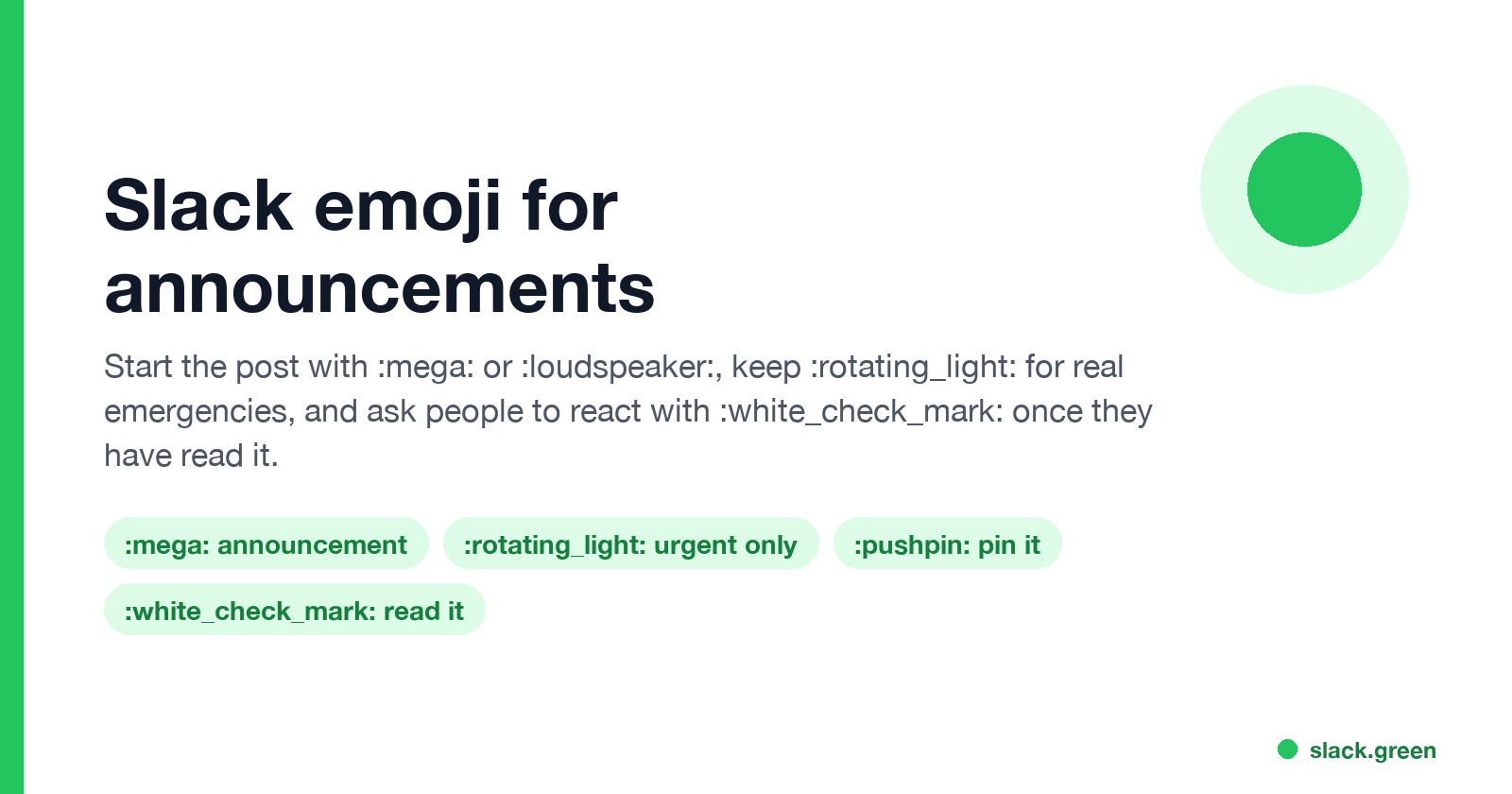
Slack emoji for announcements and updates
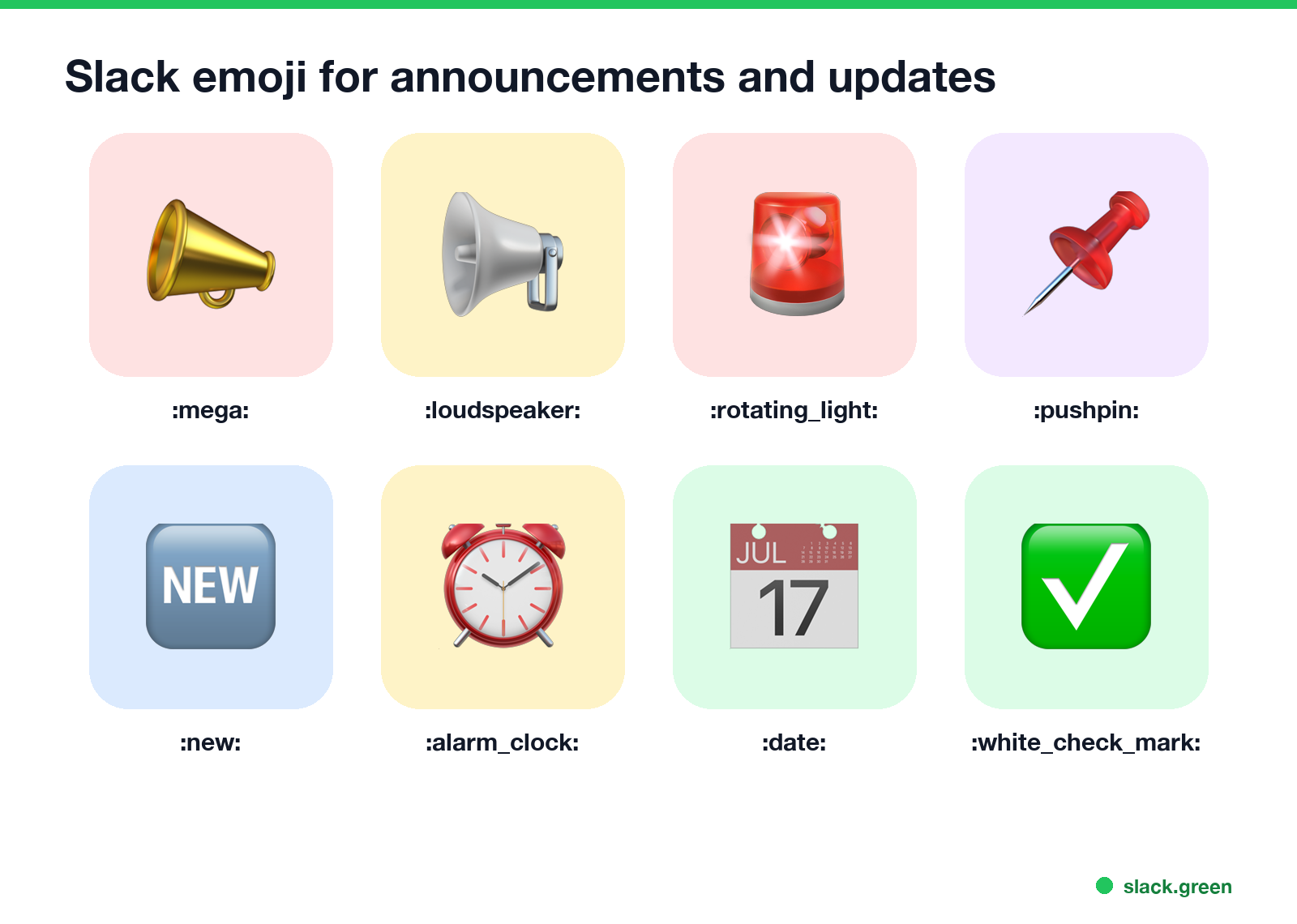
| Emoji | Code | Use for |
|---|---|---|
| 📣 | :mega: | Announcements |
| 📢 | :loudspeaker: | Announcements, public notices |
| 🚨 | :rotating_light: | Outages and emergencies only |
| 📌 | :pushpin: | Important, pinned |
| 🆕 | :new: | New feature or process |
| 🚀 | :rocket: | Launches and releases |
| ⏰ | :alarm_clock: | Deadline reminders |
| 📅 | :date: | Meetings and events |
| ✅ | :white_check_mark: | "Read it" or "done" |
Type the code at the start of the message, or search "mega" or "announce" in the emoji picker.
Which emoji for which post
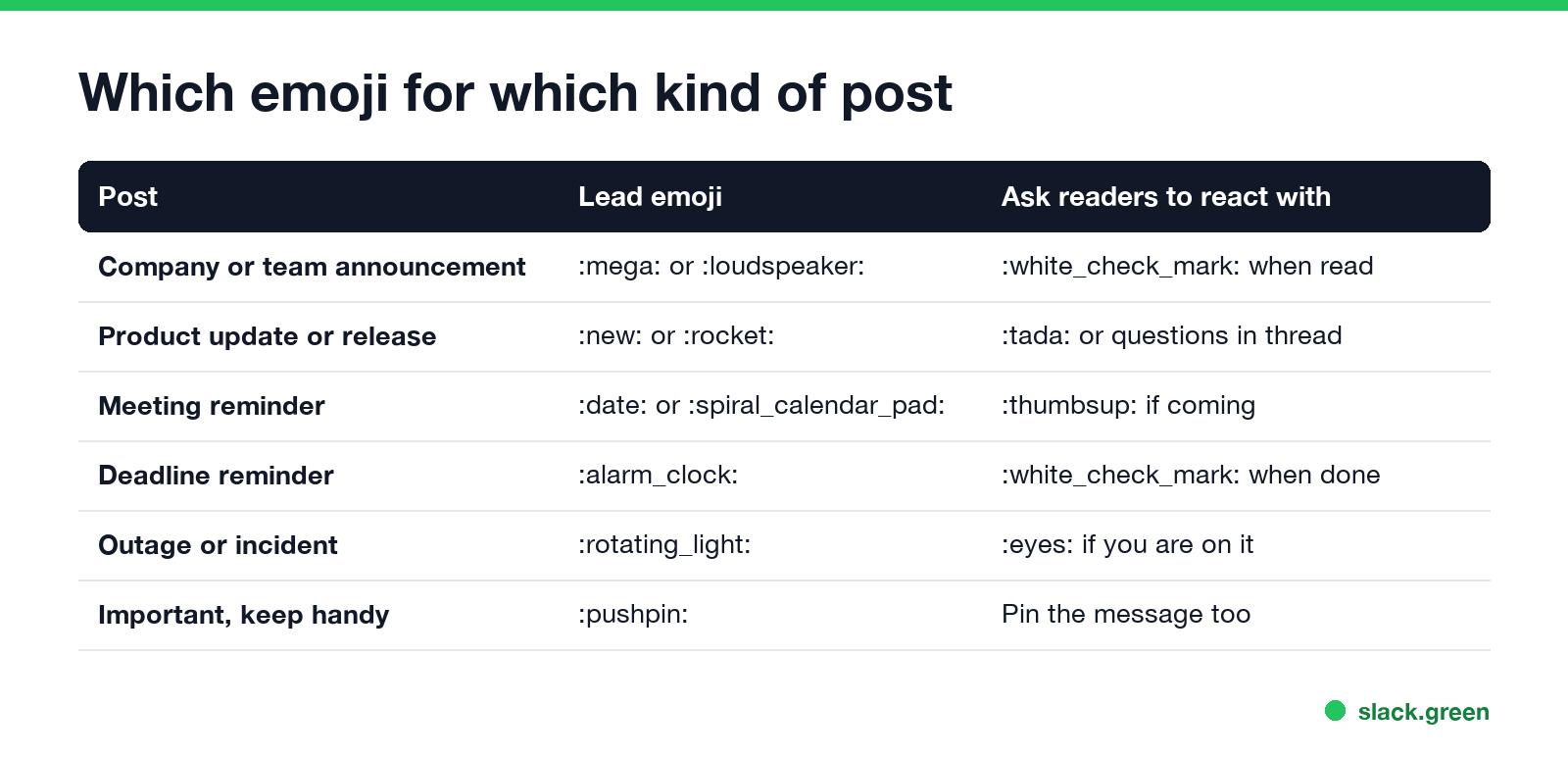
- • Team or company news: 📣 or 📢, then a bold first line with the news itself.
- • Updates and releases: 🆕 or 🚀, with a link to the details.
- • Meeting reminders: 📅, the time, and the link to join.
- • Deadlines: ⏰ and the date in the first line.
- • Outages and incidents: 🚨. If every post gets 🚨, people stop reading it.
- • Keep-handy info: 📌, and pin the message in the channel too.
A Slack announcement template
Never appear "away" on Slack again
Cloud-based. No downloads. Works 24/7 even when your laptop is off.
📣 *New expense tool starts Monday 6 October*

What changes: expenses go through [tool] instead of email.
What you need to do: log in once before Friday with your work account.
Where to ask: this thread, or #finance-help.

Please react with ✅ once you've read this.
Put the news in the first line in bold; many people read only that line in the channel. Use @channel or @here only when everyone needs to see it now. When to use each is in Slack @here vs @channel vs @everyone. To preview the formatting before you post, paste it into the Slack message formatter.
Emoji that track who read it
Ask for one reaction and you get a list of who saw the announcement: hover over the ✅ under the post to see names. Slack has no read receipts, so reactions are the closest thing; see does Slack have read receipts. Common pairings:
Some workspaces also have an announcement-only channel where only admins can post, so news does not get buried.
Make a custom announcement emoji
A team emoji, such as your logo with a megaphone or the word "PSA", makes company news easy to spot. Open the Slack emoji maker, use Text to emoji for a word like "PSA" or "NEW", or drop in your logo, then add it with Add Emoji in Slack. Name it something short, such as :psa:. More ideas are in Slack emoji ideas.
FAQ
Never appear "away" on Slack again
Cloud-based. No downloads. Works 24/7 even when your laptop is off.
What is the Slack emoji for announcement?
📣 :mega: or 📢 :loudspeaker:.
What emoji should I use for an update in Slack?
🆕 :new: for something new, 🚀 :rocket: for a launch.
What emoji means urgent in Slack?
🚨 :rotating_light:. Save it for real emergencies.
How do I see who read my Slack announcement? Ask people to react with ✅ and hover over the reaction to see names.
Stop Jiggling Your Mouse.
Join hundreds of remote workers who never worry about their Slack status. Set it up once, stay green forever.
Related Articles
Slack Status for a Doctor Appointment: 24 Statuses and Emoji
A Slack status for a doctor appointment says you are out and when you are back, such as 🏥 'At an appointment, back at 2 PM.' You do not have to say what kind. 24 statuses for doctor, dentist and other appointments, the emoji codes, and how to schedule the status so it clears by itself.
Slack Status for Limited Availability: 30 Statuses to Copy
A Slack status for limited availability says you are around but slow, until when, and how to reach you if it is urgent, such as ⏳ 'Limited availability today, replies after 3 PM. Urgent: @mention me.' 30 statuses for busy days, slow replies and catching up, the emoji to use, and when to pause notifications too.
Slack Emoji for Thank You (and You're Welcome)
The usual Slack emoji for thank you are 🙏 :pray:, 🙌 :raised_hands: and ❤️ :heart:. For you're welcome, 😊 :blush: or 🤗 :hugging_face:. What each one says, which ones read wrong, and custom :ty:, :np: and :welcome: emoji your team can add in a minute.