
Slack Status for a Doctor Appointment: 24 Statuses and Emoji
A Slack status for a doctor appointment says you are out and when you are back, such as 🏥 'At an appointment, back at 2 PM.' You do not have to say what kind. 24 statuses for doctor, dentist and other appointments, the emoji codes, and how to schedule the status so it clears by itself.
A Slack status for a doctor appointment needs two facts: you are out, and when you are back. For example: 🏥 "At an appointment, back at 2 PM." You do not have to say it is a doctor, or why. Set Remove status after to the time you expect to be back, and check Pause notifications so your phone stays quiet in the waiting room. If you know the time in advance, schedule the status the day before so it turns on and off by itself.
We build Slack Green, which keeps your Slack status green from our servers during the hours you set. Our free Slack status generator has more ready-made statuses.
Appointment statuses to copy
All are under Slack's 100-character limit. Change the times.
Keep it private
🗓️ At an appointment, back at 2 PM.
⏰ Out for an appointment 10-12.
🚗 Out for a couple of hours, back by 3.
🗓️ Appointment this morning, online from 11.
⏰ Personal appointment, back after lunch.
🚗 Away 1-3 PM. Replies after.
Doctor and medical
🏥 At a doctor's appointment until 2 PM.
🩺 Doctor's appointment, back online at 11.
🏥 Medical appointment this afternoon. Back tomorrow.
💊 Quick medical errand, back in an hour.
🩺 Check-up this morning, online after 10:30.
🏥 Hospital appointment, may be slow today.
Dentist and others
🦷 At the dentist, back at 3. Probably numb.
🦷 Dentist this morning. Talking later.
🐶 Taking the dog to the vet, back at 4.
🏫 School appointment for my kid, back at 2.
🚗 Car at the garage, working from the waiting room.
🗓️ Errands 12-2, online after.
Not feeling great
🤕 Headache, logging off early. Back tomorrow.
🤕 Working, but slower today. Headache.
💊 Under the weather, replies may be slow.
🛌 Resting this afternoon. Urgent: [name].
🤒 Out sick today. Back tomorrow, I hope.
🍵 Taking it easy today. Online on and off.
For full sick days, see Slack status for sick days.
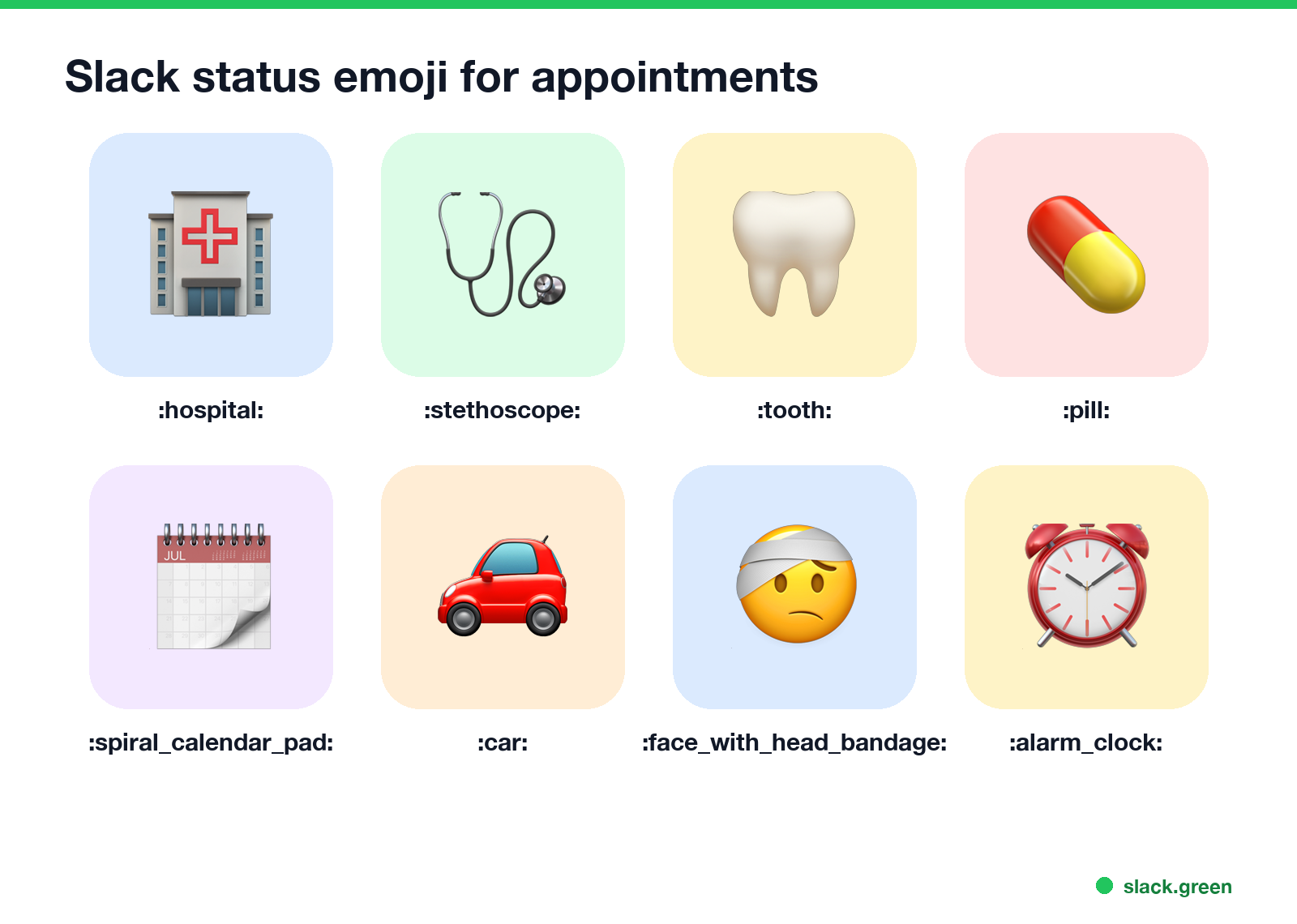
Slack status emoji for appointments
| Emoji | Code | Use for |
|---|---|---|
| 🏥 | :hospital: | Doctor or hospital |
| 🩺 | :stethoscope: | Check-up |
| 🦷 | :tooth: | Dentist |
| 💊 | :pill: | Medical errand, feeling unwell |
| 🗓️ | :spiral_calendar_pad: | Any appointment, kept private |
| 🚗 | :car: | Out of the house |
| 🤕 | :face_with_head_bandage: | Headache, not feeling well |
| ⏰ | :alarm_clock: | Back at a set time |
🗓️ and ⏰ are the private choices: they say "busy at a set time" without saying where.
How to set an appointment status
Never appear "away" on Slack again
Cloud-based. No downloads. Works 24/7 even when your laptop is off.
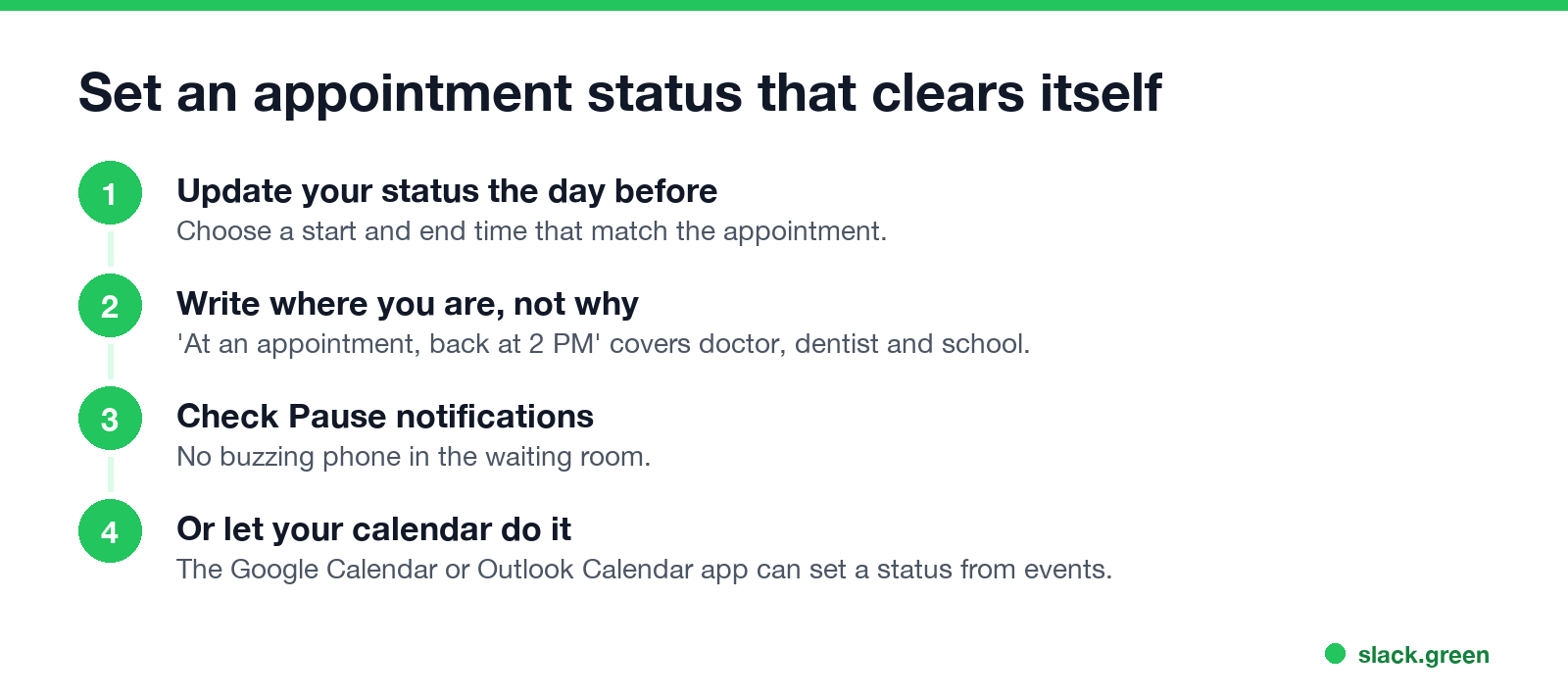
- Click your profile picture, then Update your status, or press Cmd+Shift+Y (Ctrl+Shift+Y).
- Paste the status and pick an emoji.
- Under Remove status after, pick the time you will be back.
- Check Pause notifications if you do not want alerts.
- Click Save.
To set it the day before, choose Choose a start and end time and enter the appointment window. Steps are in how to schedule a Slack status. If your workspace has the Google Calendar or Outlook Calendar app, a calendar event can set your status during the event, so the status matches your calendar; see Slack out of office message for how calendar sync works.
Do you have to say it is a doctor appointment?
No. "At an appointment" is a complete status, and most coworkers do not expect more. Medical details are private; what you owe your team is when you are back and who to ask meanwhile. If your company tracks time off in a separate system, log it there too. The status only tells people in Slack.
FAQ
What should my Slack status be for a doctor's appointment? "At an appointment, back at [time]" with 🏥 or 🗓️. Set it to clear at that time.
What emoji means appointment in Slack? 🗓️ :spiral_calendar_pad: or ⏰ :alarm_clock: keep it private. 🏥 :hospital: and 🦷 :tooth: are specific.
Can I schedule a Slack status for an appointment? Yes. Choose a start and end time when you set the status.
Should I pause notifications during an appointment? If you do not want alerts, yes. Check Pause notifications when you set the status.
Stop Jiggling Your Mouse.
Join hundreds of remote workers who never worry about their Slack status. Set it up once, stay green forever.
Related Articles
Slack Emoji for Announcements, Updates and Reminders
The standard Slack emoji for an announcement is 📣 :mega: or 📢 :loudspeaker: at the start of the post. Use 🚨 :rotating_light: only for real emergencies, 🆕 :new: for updates, ⏰ :alarm_clock: for reminders, and ask readers to react with ✅ :white_check_mark: once they have read it. Templates and a custom emoji idea.
Slack Status for Limited Availability: 30 Statuses to Copy
A Slack status for limited availability says you are around but slow, until when, and how to reach you if it is urgent, such as ⏳ 'Limited availability today, replies after 3 PM. Urgent: @mention me.' 30 statuses for busy days, slow replies and catching up, the emoji to use, and when to pause notifications too.
Slack Emoji for Thank You (and You're Welcome)
The usual Slack emoji for thank you are 🙏 :pray:, 🙌 :raised_hands: and ❤️ :heart:. For you're welcome, 😊 :blush: or 🤗 :hugging_face:. What each one says, which ones read wrong, and custom :ty:, :np: and :welcome: emoji your team can add in a minute.