
Slack Status for Parental Leave: 24 Ready-to-Copy Statuses
A Slack status for parental leave fits in 100 characters: an emoji such as 👶 or 🍼, 'On parental leave', the month you are back, and who covers your work. Ready-to-copy statuses for maternity, paternity and parental leave, the emoji to use, and how to schedule the status and pause notifications for the whole leave.
A Slack status for parental leave fits in one line: an emoji, "On parental leave", the month you are back, and who covers your work. For example: 👶 "On parental leave until March. Ask Dana for anything on Project X." A Slack status holds up to 100 characters, so keep the long version, with every contact, in a pinned handover note. Set Remove status after to your return date and check Pause notifications, so the status and the quiet end together.
Below are 24 statuses to copy, the emoji people use, and the setup steps.
We build Slack Green, which keeps your Slack status green from our servers during the hours you set, and turns it off while you are away. Our free Slack status generator has more statuses for leave and every other day.
Slack statuses for maternity leave
Each one is under 100 characters. Replace the words in brackets.
👶 On maternity leave until [March]. [Dana] is covering.
🍼 Maternity leave, back in [spring]. Not checking Slack.
🤰 On maternity leave. For [project], ask [name].
👶 Out on maternity leave until [date]. Urgent: [name].
🏡 On maternity leave. See pinned note in #[team] for contacts.
🍼 Busy with a very small boss until [month].
Slack statuses for paternity and parental leave
👶 On paternity leave until [date]. [Name] is covering.
🍼 Parental leave, back [date]. Not checking messages.
👶 On parental leave until [month]. Ask [name] for anything urgent.
🧸 Out on parental leave for [8 weeks]. Handover in #[channel].
🏡 On shared parental leave until [date].
😴 On parental leave and short on sleep. Back [month].
Slack statuses before and after leave
Never appear "away" on Slack again
Cloud-based. No downloads. Works 24/7 even when your laptop is off.
🗓️ Parental leave starts [date]. Send open items by [Friday].
📋 Last week before leave. Handover notes in #[channel].
🎈 Baby is here! On parental leave until [month].
👋 Back from parental leave. Catching up this week.
🕘 Back part-time: online [Mon-Wed]. Other days, ask [name].
🙏 Back from leave. Thanks for covering, team.
Slack statuses that keep the reason private
You do not have to say what kind of leave it is:
🌴 On leave until [month]. [Name] is covering.
🏡 Out on family leave, back [date].
⛔ Away until [date]. Urgent: [name].
🌴 On leave. Not checking Slack. Back [month].
🏡 On extended leave until [date]. Ask [name].
📵 Offline until [date]. [Name] has my projects.
For medical leave, one of these private statuses is enough. More wording for shorter absences is in Slack status for sick days.
Slack status emoji for parental leave
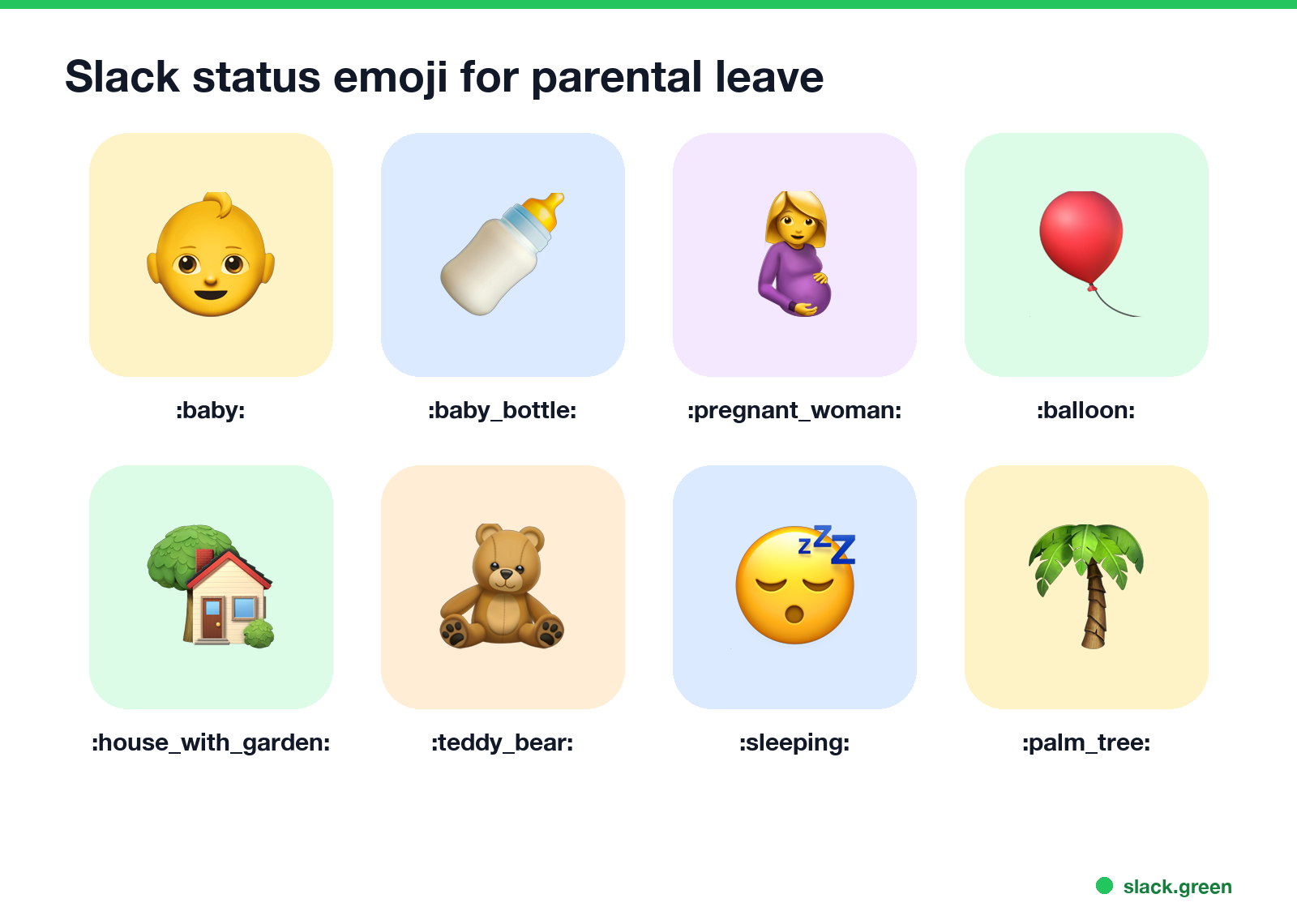
| Emoji | Code | Good for |
|---|---|---|
| 👶 | :baby: | Any parental leave |
| 🍼 | :baby_bottle: | Maternity, paternity, parental |
| 🤰 | :pregnant_woman: | Maternity leave |
| 🎈 | :balloon: | Announcing the birth |
| 🏡 | :house_with_garden: | Family or private leave |
| 🧸 | :teddy_bear: | Parental leave |
| 😴 | :sleeping: | A light touch |
| 🌴 | :palm_tree: | Any leave; Slack's usual out-of-office emoji |
Type the code in the status field, or click the emoji button and search. Want a custom one, like your team's logo with a baby bottle? Make it with the free Slack emoji maker. What each status emoji signals to others is in Slack status icons meaning.
How to set a parental leave status in Slack
Never appear "away" on Slack again
Cloud-based. No downloads. Works 24/7 even when your laptop is off.
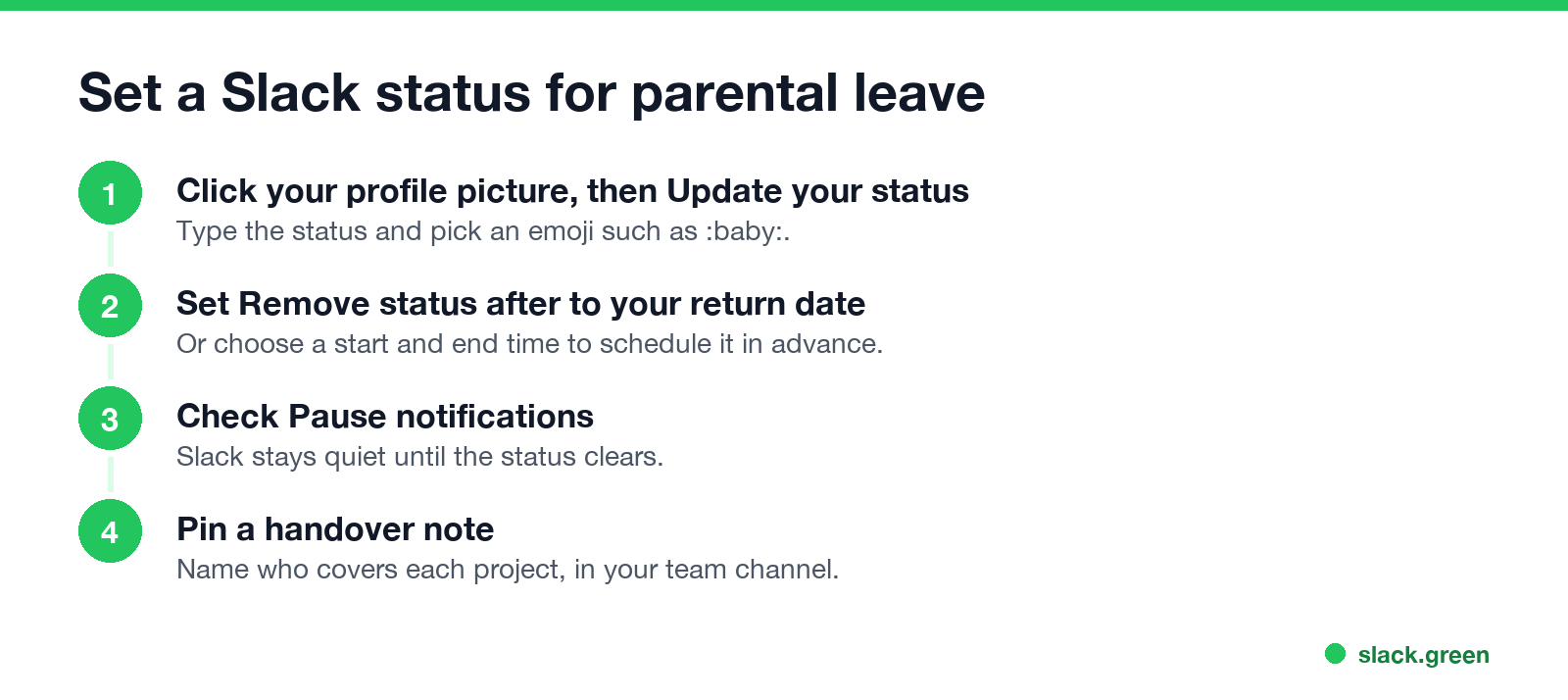
- Click your profile picture, then Update your status.
- Paste the status and pick an emoji.
- Under Remove status after, pick your return date. To set it ahead of time, choose Choose a start and end time and set both dates; the steps are in how to schedule a Slack status.
- Check Pause notifications.
- Click Save.
On Enterprise plans, Slack also has an Out of office status that sends a private reply when someone mentions you. Every option by plan, including calendar sync, is in Slack out of office message.
Before you go, pin a message in your team channel with who covers what, and link to it from your status if the status alone is not enough.
FAQ
What should my Slack status be on parental leave? An emoji, "On parental leave", your return month and a contact, such as 👶 "On parental leave until March. Ask Dana."
What emoji should I use for maternity leave in Slack? 👶 :baby:, 🍼 :baby_bottle: or 🤰 :pregnant_woman:. 🌴 works if you want to keep it private.
How long can a Slack status be? Up to 100 characters.
Can I schedule a Slack status for my leave in advance? Yes. Choose a start and end time when you set the status.
Stop Jiggling Your Mouse.
Join hundreds of remote workers who never worry about their Slack status. Set it up once, stay green forever.
Related Articles
Slack Emoji for Announcements, Updates and Reminders
The standard Slack emoji for an announcement is 📣 :mega: or 📢 :loudspeaker: at the start of the post. Use 🚨 :rotating_light: only for real emergencies, 🆕 :new: for updates, ⏰ :alarm_clock: for reminders, and ask readers to react with ✅ :white_check_mark: once they have read it. Templates and a custom emoji idea.
Slack Status for a Doctor Appointment: 24 Statuses and Emoji
A Slack status for a doctor appointment says you are out and when you are back, such as 🏥 'At an appointment, back at 2 PM.' You do not have to say what kind. 24 statuses for doctor, dentist and other appointments, the emoji codes, and how to schedule the status so it clears by itself.
Slack Status for Limited Availability: 30 Statuses to Copy
A Slack status for limited availability says you are around but slow, until when, and how to reach you if it is urgent, such as ⏳ 'Limited availability today, replies after 3 PM. Urgent: @mention me.' 30 statuses for busy days, slow replies and catching up, the emoji to use, and when to pause notifications too.