
What Does the Eyes Emoji Mean in Slack? 👀 and Other Reactions
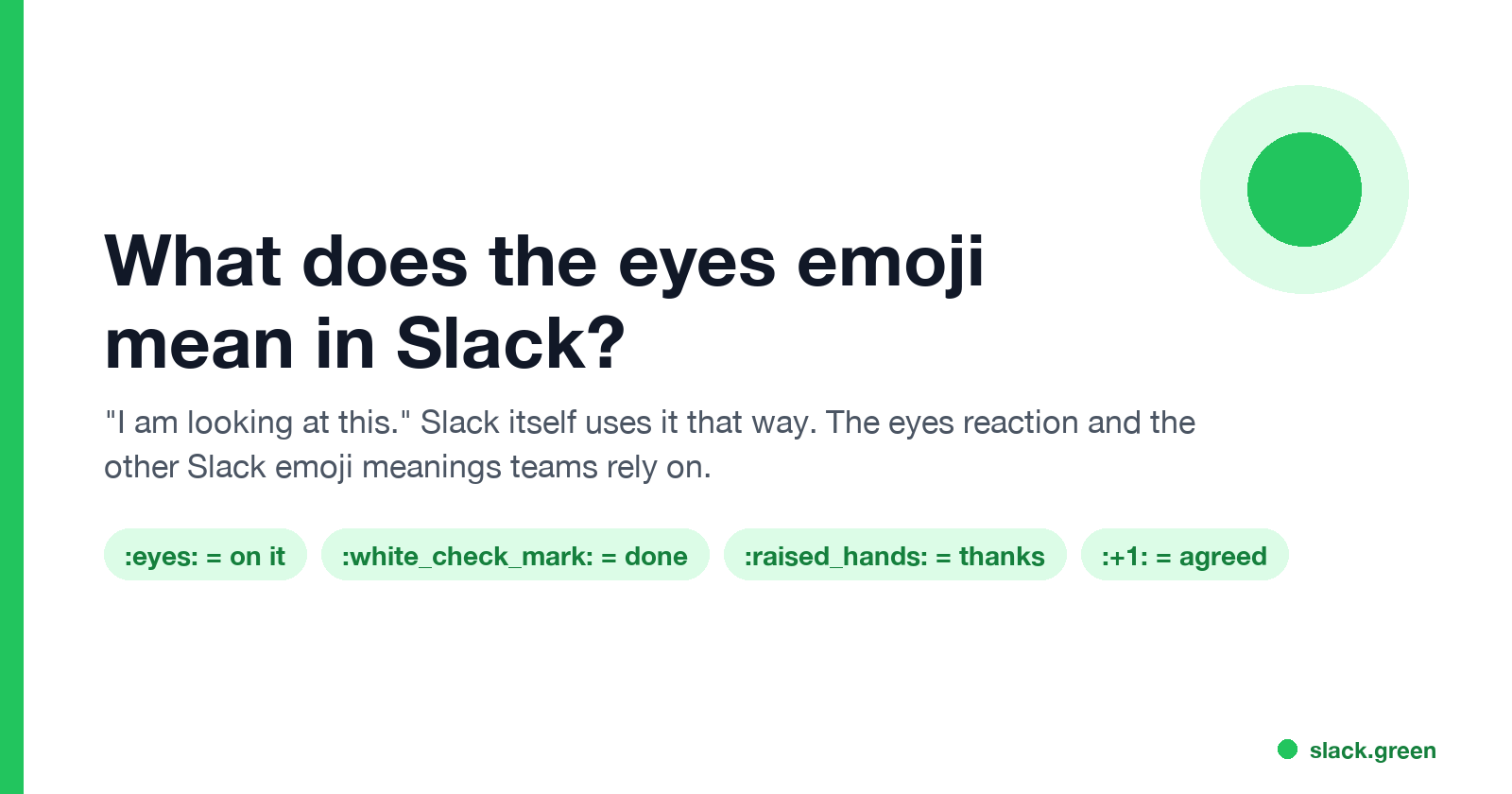
In Slack, the eyes emoji 👀 as a reaction means "I have seen this and I am looking at it." Slack's own help center and blog use it that way. What 👀 means, how teams use it with ✅, and the meaning of other common Slack reactions and status emoji.
In Slack, the eyes emoji 👀 as a reaction means "I have seen this and I am looking at it." It is the standard way to claim a request without writing a reply. Slack's help center describes the same convention for triage channels: a :eyes: reaction means "I'm looking at this for you", and a ✅ :white_check_mark: means "I've fixed the issue". Slack's own blog says employees react with 👀 to volunteer for a request and with ✅ once the work is done.
Outside work, 👀 can mean curiosity or "I see what you did there". In a Slack workspace, read it as "on it" unless your team uses it differently.
Reactions show you read something. Your dot shows whether you are around, and it turns grey 10 minutes after your last input in Slack. Slack Green keeps it green during the working hours you set, from the cloud, so your 👀 is not next to a grey dot.
What 👀 means in Slack
- • As a reaction on a request: "I have seen this and I am looking into it." Others can see the request is claimed.
- • As a reaction on news or a proposal: "Seen, reading it." A quiet read receipt, because Slack has no read receipts of its own.
- • In a message: "Look at this" or "interesting", the same as outside Slack.
- • As a status emoji: rare. A status with 👀 usually means "reviewing" or "heads down reading".
- • 👀
:eyes:means "I'm looking at this for you". - • ✅
:white_check_mark:means "I've fixed the issue". - • 🔴
:red_circle:marks an urgent issue, 🔵:blue_circle:a question or problem, ⚪:white_circle:feedback.
When someone reacts 👀 to your request, wait for the thread reply or the ✅. Chasing them right away defeats the point of the reaction.
How teams use 👀 and ✅ together
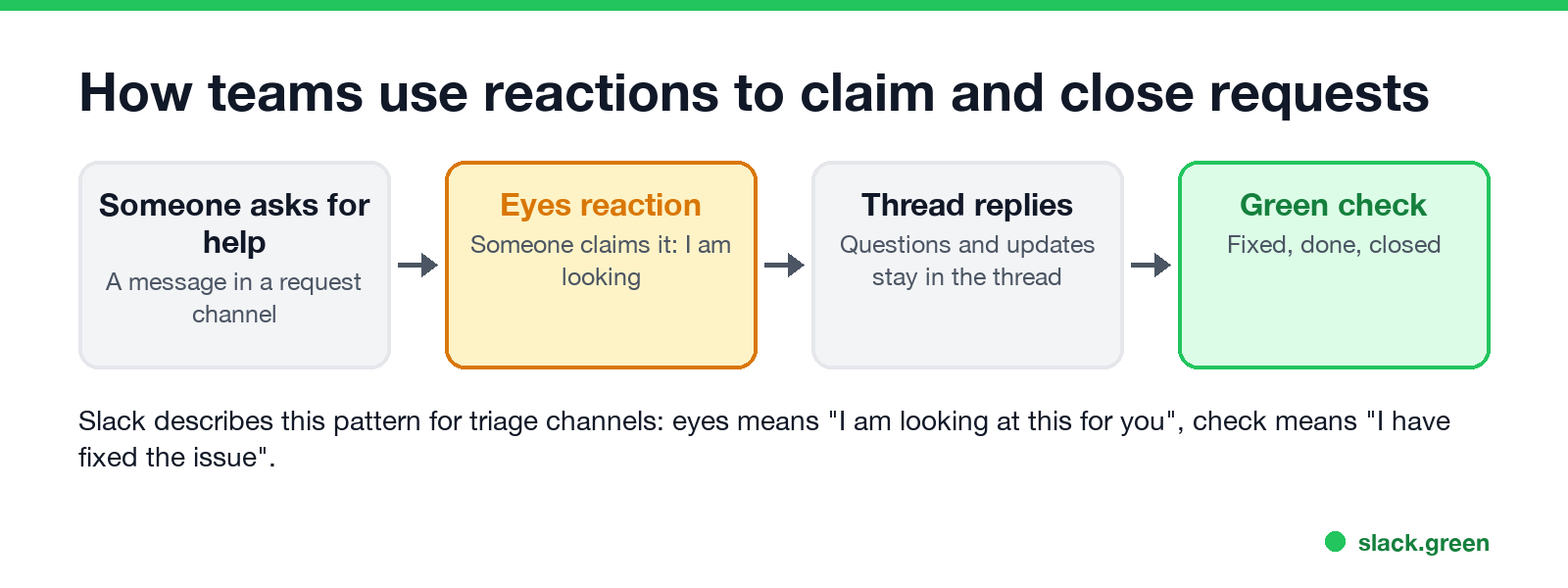
Slack's help center suggests this set for triage and request channels:
Slack's blog adds 🐛 :bug: for "logged as a bug". Pin your own set in the channel or its canvas so everyone reads the reactions the same way.
Slack emoji meanings list
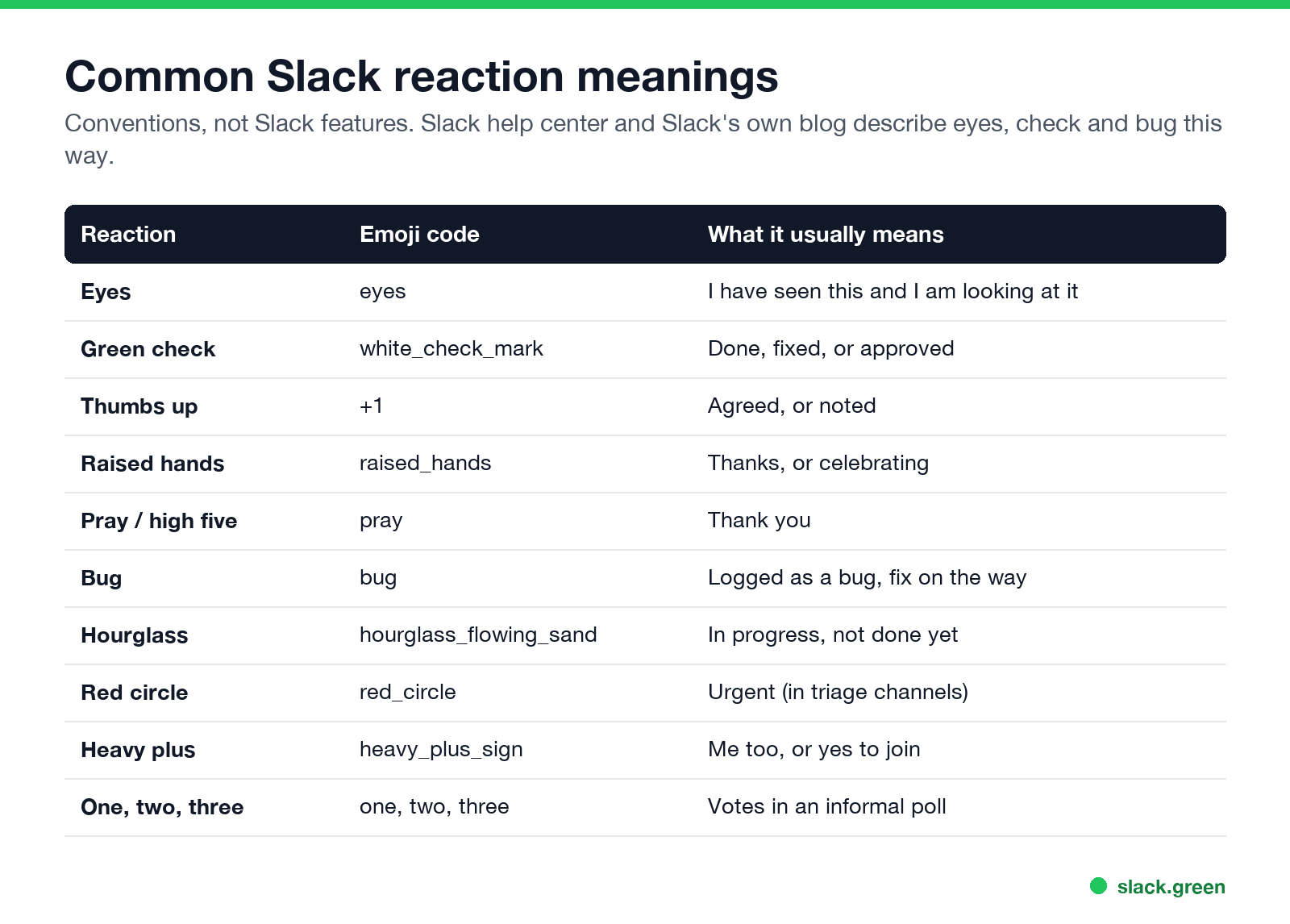
| Reaction | Code | What it usually means |
|---|---|---|
| 👀 | :eyes: | Seen, looking at it |
| ✅ | :white_check_mark: | Done, fixed or approved |
| 👍 | :+1: | Agreed, or noted |
| 🙌 | :raised_hands: | Thanks, or celebrating |
| 🙏 | :pray: | Thank you |
| 🐛 | :bug: | Logged as a bug |
| ⏳ | :hourglass_flowing_sand: | In progress |
| 🔴 | :red_circle: | Urgent |
| ➕ | :heavy_plus_sign: | Me too, or count me in |
| 1️⃣ 2️⃣ 3️⃣ | :one: :two: :three: | Votes in a quick poll |
These are conventions. Your team may use custom emoji with their own meaning; hover over any reaction to see its name.
Slack emoji for acknowledge
To say "got it" without a message, use 👍 for a simple yes, 👀 when you will act on it, or ✅ when it is done. Many teams also make a custom :ack: emoji. The Slack emoji maker turns any image into a custom emoji your workspace can add. Upload steps, size rules and permissions are in how to add custom emoji to Slack. To remove one, see how to delete a Slack emoji.
Slack emoji for busy
For your status rather than a reaction:
What each status emoji and dot means to others is in Slack status icons meaning. For lines to put next to them, see Slack status examples or the status ideas tool.
What does the palm tree mean on Slack?
🌴 is Slack's default emoji for the "Vacationing" status: the person is on holiday or out of office. Open their profile to see when it clears. More in Slack out of office.
FAQ
What does 👀 mean in Slack?
As a reaction, "I have seen this and I am looking at it." Slack's help center uses it to mean "I'm looking at this for you".
Is 👀 rude in Slack?
No. At work it signals attention. If a teammate reacts 👀 to your message, they are on it.
What is the difference between 👀 and ✅ in Slack?
👀 means someone is working on it. ✅ means it is done.
Does Slack have read receipts?
No. Teams use reactions such as 👀 or 👍 to show a message was read.
How do I add an emoji reaction in Slack?
Hover over the message, click the add reaction icon (a smiley face with a plus), and pick an emoji. On mobile, tap and hold the message. With a message in focus you can also press R; more in the Slack keyboard shortcuts cheat sheet.
Related Articles
Slack Workflow Builder Examples: 12 Workflows to Copy, With Triggers and Steps
Twelve Slack Workflow Builder examples with the exact trigger and steps for each: daily standups, channel welcomes, time-off approvals, help desk requests, emoji escalations, keyword routing, incidents, list updates and webhooks from other tools. Plus where Workflow Builder lives, what it costs and how branches work.
Slack Timer: How to Set a Countdown, Pomodoro or Focus Timer in Slack
Slack has no built-in timer, but four built-in tools act like one: /remind me to ... in 25 minutes, a status that clears itself, /dnd for a focus block, and Workflow Builder for dated countdowns. For a live countdown in a channel, use a Marketplace app or a 15-line bot script.
Slack Red Dot Won't Go Away? What It Counts and How to Clear It
A red dot on the Slack icon means unread activity somewhere; a red number means DMs, mentions, keywords or followed thread replies. Press Shift+Esc to mark all read, check Threads, Activity, Later and other workspaces, then clear the cache or reset the OS badge.