
Can You Have a GIF Profile Picture on Slack? We Uploaded One
We set a 12-frame animated GIF as a Slack profile photo and downloaded every size Slack made. All of them were still images, frame 1 only.
No. Slack accepts a GIF file as your profile photo, but it does not animate. It keeps the first frame and shows that still image everywhere. On 9 October 2026 we set a 512 x 512 animated GIF with 12 frames as the profile photo of our test account (Slack web, Free plan), then downloaded every size Slack made from it. All eight had one frame. The stored files still end in .gif, but each holds one frame.
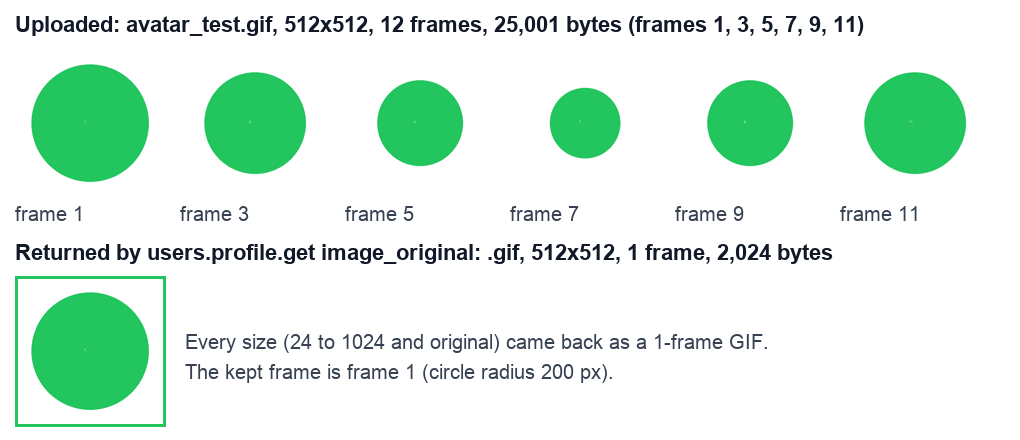
What Slack did with our animated GIF
We made the test GIF with Python: a green circle that changes size over 12 frames, 150 ms each, 25,001 bytes. We set it with the users.setPhoto API and Slack answered ok: true. Then we read our profile with users.profile.get and downloaded each image URL:
| Field | Size | Format | Frames | Bytes |
|---|---|---|---|---|
| image_24 | 24 x 24 | GIF | 1 | 619 |
| image_48 | 48 x 48 | GIF | 1 | 833 |
| image_72 | 72 x 72 | GIF | 1 | 1,467 |
| image_192 | 192 x 192 | GIF | 1 | 2,571 |
| image_512 | 512 x 512 | GIF | 1 | 2,024 |
| image_1024 | 1024 x 1024 | GIF | 1 | 9,849 |
| image_original | 512 x 512 | GIF | 1 | 2,024 |
| Our upload | 512 x 512 | GIF | 12 | 25,001 |
Even image_original is not our file. It is a new single-frame GIF, about a twelfth of the size. The kept frame is frame 1: the circle in it has a 200 px radius, the size of our first frame. So if you upload a GIF anyway, put the picture you want to show in frame 1.
How it looks in Slack
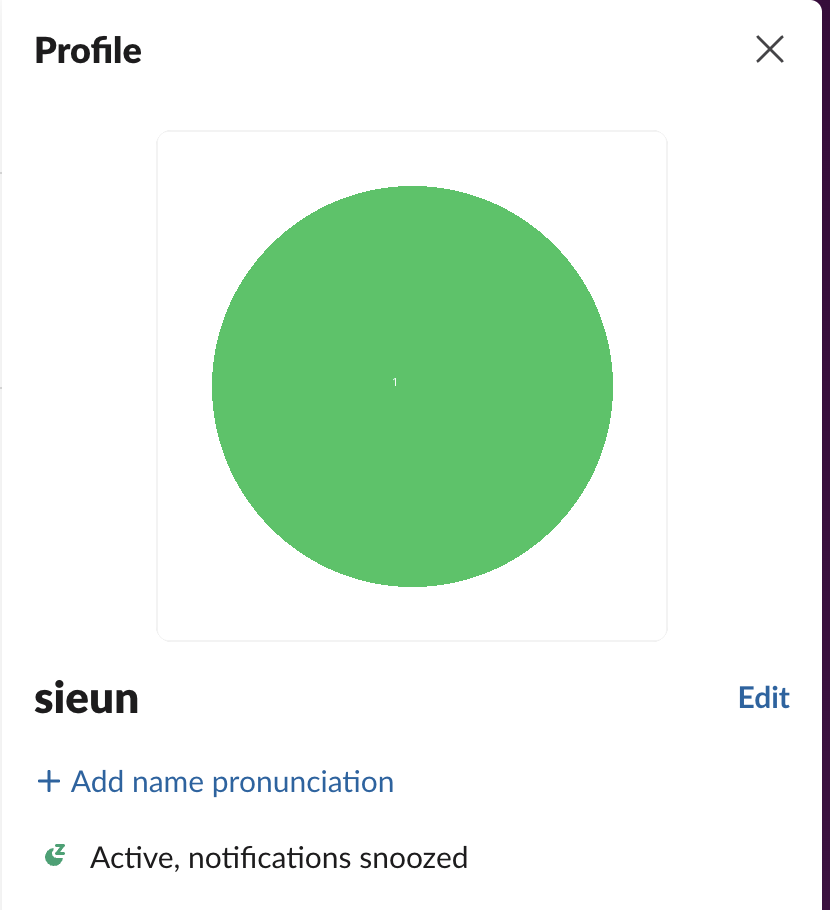
In the profile panel, the photo is a still green circle:
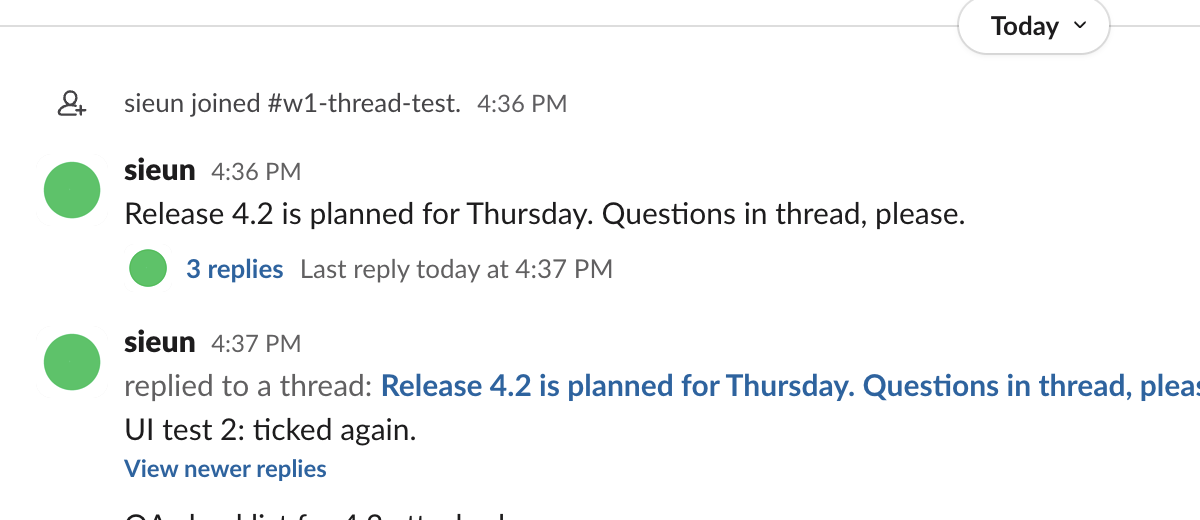
Next to messages it is the same still frame. We took two screenshots of the channel a moment apart and compared the avatar pixels. They were identical, so the small avatars do not animate either:
A Reddit user noticed the same thing: the preview while uploading can play the GIF, but the saved photo does not. The stored files explain why. The Allow animations setting is about GIFs and animated emoji in messages, which our page on GIFs not playing in Slack tests.
Never appear "away" on Slack again
Cloud-based. No downloads. Works 24/7 even when your laptop is off.
What to use instead of an animated avatar
If you want something that moves, use a custom emoji. Animated GIF emoji play in messages and reactions. Our emoji maker makes animated ones, and the GIF size limit page has the 128 KB limit we measured.
For the photo itself, use a still, square image. Slack made a 1024 px version from our 512 px upload, so a source of 1024 x 1024 or larger stays sharp at every size. The emoji resizer crops and scales images in the browser. To set a photo from a script, see changing a profile picture with the Slack API. If you have no photo, Slack draws a colored default; our page on default profile picture colors explains how it picks one.
FAQ
Can I get my photo back to the default?
Yes. Remove the photo in your profile, or call users.deletePhoto. We used the API call after the test, and Slack went back to our previous avatar, with the same avatar_hash as before.
Stop Jiggling Your Mouse.
Join hundreds of remote workers who never worry about their Slack status. Set it up once, stay green forever.
Related Articles
Does Slack Compress Images? We Uploaded a PNG, JPEG, HEIC and MP4 to Check
We uploaded four files to Slack and downloaded them again. The PNG and MP4 came back byte for byte, the JPEG came back re-encoded without its EXIF, and the chat only ever shows a 1024 px preview.
How to Clear Slack Search History (Recent Searches)
Slack keeps your recent searches on its servers, so they follow you to every device. We found where to delete them, and the one way the delete button worked for us.
How to Move a Slack Message to Another Channel (Slack Can Only Copy It)
Slack has no Move option for messages. We forwarded a message, a thread and a file to a new channel, deleted the original, and checked what the copy kept.