
Slack Canvas Images: Add, Size and Insert Them by API
We inserted a PNG, an animated GIF and a 6000 px image into a Slack canvas with canvases.edit. Slack files rendered; an outside image URL became a link card even though the API said ok.
To add an image to a Slack canvas, upload it into the canvas from the editor, or, from code, upload the file to Slack first and then insert it with canvases.edit as markdown: . The image must be a Slack file. An outside image URL in the same markdown is accepted by the API but shows up as a link card, not as a picture.
We tested the API route on 29 November 2026 in a Free test workspace: a throwaway app with files:write and canvases:write created a channel canvas, uploaded an 800 x 450 PNG, an animated GIF and a 6000 x 4000 PNG, and inserted each one. Then we opened the canvas in the Slack web app as a second member of the workspace.
Insert an image with canvases.edit
import json, requests
from slack_sdk import WebClient
client = WebClient(token=BOT_TOKEN)
# 1. upload the image (no channel needed)
up = client.files_upload_v2(file="chart.png", title="chart.png")
permalink = up["files"][0]["permalink"]
# 2. append it to the canvas as markdown
client.canvases_edit(
canvas_id=CANVAS_ID,
changes=[{
"operation": "insert_at_end",
"document_content": {"type": "markdown",
"markdown": "\n"},
}],
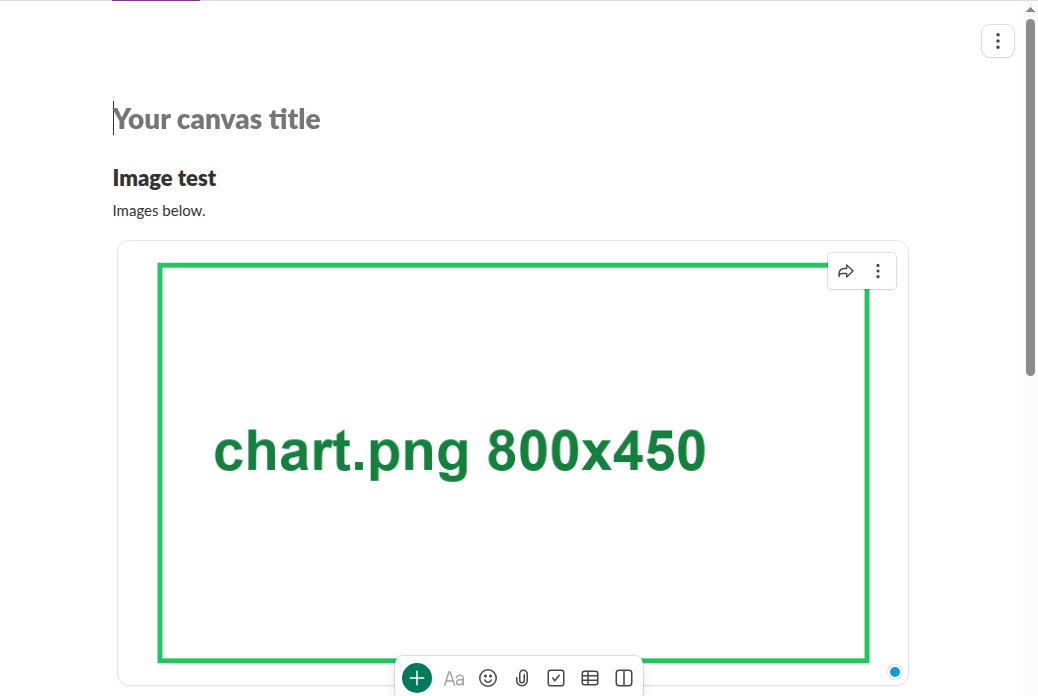
)canvases.edit answered {'ok': True}, and the image appeared as a full-width card in the canvas:
We ran the same insert with three kinds of URL. All four calls returned ok: true, so the API does not tell you when an image will not render; you have to look:
URL in  | API result | What the canvas showed |
|---|---|---|
File permalink (https://<workspace>.slack.com/files/U.../F.../chart.png) | ok: true | The image |
File url_private (https://files.slack.com/files-pri/T...-F.../chart.png) | ok: true | The image |
| Outside image, HTTP 200 (a PNG on upload.wikimedia.org) | ok: true | A link card with the URL, no image |
| Outside URL that returns 404 | ok: true | A link card: "Unable to create preview." |
So host the image in Slack. If your image lives on a website, download it and upload it with files_upload_v2 first. The upload needs no channel: our bot uploaded all three files to no channel, and the member still saw them in the canvas. Our canvas API guide covers creating and editing canvases from code, and canvas formatting lists the other markdown a canvas accepts.
How big images and GIFs show
We read the size of each image element in the open canvas:
| File | Original size | Shown in the canvas |
|---|---|---|
| chart.png | 800 x 450 | 790 x 444 px (the canvas column width) |
| dot.gif, animated | 320 x 180 | 320 x 180 px, centred in a card |
| huge.png | 6000 x 4000 | 800 x 533 px |
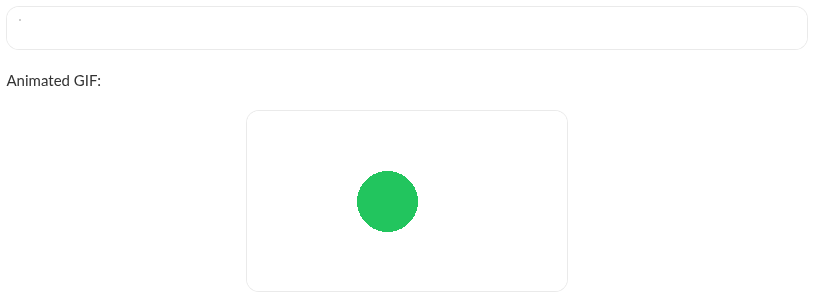
A small image keeps its own size and sits centred; a wide image is scaled down to the canvas column, about 790 to 800 px in a 1440 px window. The GIF element loaded the original .gif file, so it animates in the canvas.
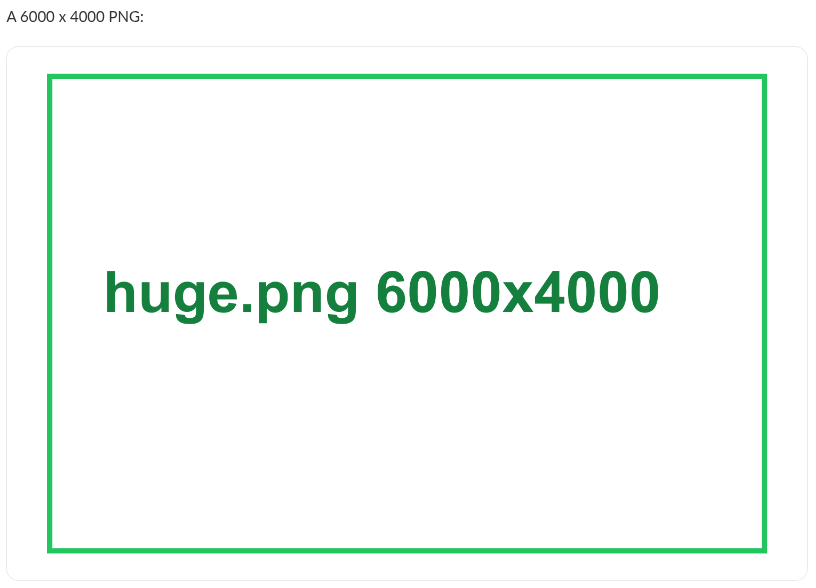
The 6000 x 4000 PNG loaded at full resolution (the browser fetched the 6000 x 4000 original, not a thumbnail) and was scaled to 800 x 533. Slack also made thumbnails of it up to 1024 x 683 (thumb_1024 in files.info), but the canvas did not use them. A very large image therefore costs readers the full download each time the canvas opens, so resize it before you upload; Slack's file size limits apply to canvas images like any other file.
Never appear "away" on Slack again
Cloud-based. No downloads. Works 24/7 even when your laptop is off.
Add an image by hand
In the canvas editor, the toolbar at the bottom of the canvas has a paperclip button for files, next to the emoji, checklist and table buttons (visible at the bottom of the screenshots above). We added our images through the API only: the automated test browser could not open a file picker, so the manual upload, paste and drag routes are not part of this test.
Who can open the canvas, and therefore see its images, is covered in are Slack canvases private. To put an image in a message instead of a canvas, see inserting an image inline.
FAQ
Can I resize an image inside a canvas? The canvas decides the size: in our test, images wider than the column were scaled to it and smaller ones kept their size. To make an image smaller, upload a smaller file.
Do images work in canvases on the Free plan? Yes. Our test canvas was the one channel canvas a Free channel gets. A second canvas in the same channel, or a standalone canvas, needs a paid plan.
Does inserting an image notify the channel? In an earlier test of ours, a canvases.edit without an @-mention notified nobody, and an edit with a mention gave the mentioned person an Activity entry (canvas notifications).
Stop Jiggling Your Mouse.
Join hundreds of remote workers who never worry about their Slack status. Set it up once, stay green forever.
Related Articles
Slack MSI Installer: Gone After 4.48.102, Use MSIX
Slack's last MSI is 4.48.102 from March 2026; every later version 404s. We read both old MSIs and the current MSIX package to show what each installs and how to move a deployment to MSIX.
Slack LaTeX and Math: What Renders, What Doesn't, What Works
Slack shows LaTeX as raw text in messages and canvases, even though its web client ships KaTeX. We tested every route and give the two that work: Unicode math and a formula rendered to an image with 15 lines of Python.
Slack Emoji Usage Statistics: Count Reactions With the API
Slack has no emoji report, and the Free plan's analytics page shows none. We counted 89 reactions on 43 test messages with a 40-line script and found that thread replies hide reactions from conversations.history.