
Slack Status for a Conference, Travel or Training: 30 to Copy
A good Slack status for a conference says where you are, when you read Slack and when you are back: 📛 At a conference until Thu. Replies in the evening. 30 statuses for conferences, travel, training and offsites, the emoji codes, and how to schedule it before you leave.
A Slack status for a conference needs three facts: where you are, when you read Slack, and when you are back. For example: 📛 "At a conference until Thu. Replies in the evening." The same shape works for a trip (✈️ "Flying to Berlin, online again at 4 PM CET") and for training (📚 "In training until 3, back after"). Set it before you leave with Choose a start and end time, so Slack turns it on and clears it for you.
We build Slack Green, which keeps your Slack dot green from our servers during the hours you set. For more lines, our free Slack status generator makes statuses by situation and tone.
Conference and event statuses to copy
All are under Slack's 100-character status limit. Change the days and times.
At a conference
📛 At a conference until Thu. Replies in the evening.
📛 At [event] all week. Checking Slack at lunch.
📛 Conference day, slow replies. Back to normal Monday.
🎤 Speaking at [event] today. Back online at 4.
🤝 At our booth at [event]. DMs in the evening.
📛 At [event] in Las Vegas. Replies in Pacific time.
Workshops and training
📚 In training until 3 PM, then back.
📚 Training all day. Replies after 5.
🎓 Certification course this week. Online 8-9 AM and after 5.
🧑🏫 Running a workshop until noon.
📚 Onboarding training, notifications off until 2.
📝 Exam this morning. Back online at 11.Offsites and team events
👥 Team offsite today. Checking Slack at breaks.
👥 Offsite Tue-Wed. Urgent: [name].
🗺️ Planning offsite, back Thursday.
🤝 Customer visit all day. Replies tonight.
👥 Company kickoff, slow replies until Friday.
🎉 Team event this afternoon. Back tomorrow.
Travel statuses to copy
Flying and on the road
✈️ Flying today. Online again at 4 PM CET.
✈️ In the air until 6 PM ET. No Wi-Fi.
🚆 On the train, patchy signal. Back at 11.
🧳 Travelling this week. Replies may take a day.
🛬 Landing at 3, online after.
🚗 Driving to [city], back online at 2.
Working from another time zone
🌎 Working from Tokyo this week (JST, UTC+9).
🌎 In London until Friday, working UK hours.
🕒 Traveling, my hours are 9-5 Pacific this week.
🌐 Remote from [city], replies in my morning.
🏨 Off for the night, it is late here. Back 8 AM local.
🧳 On a work trip, answers between meetings.
The best statuses name a time zone, because "back at 3" means a different hour to every reader. To say a time that everyone sees in their own zone, use a Slack date token from our Slack timestamp generator in a message, or check the gap first with the Slack time zone converter.
Slack status emoji for conferences and travel
Never appear "away" on Slack again
Cloud-based. No downloads. Works 24/7 even when your laptop is off.
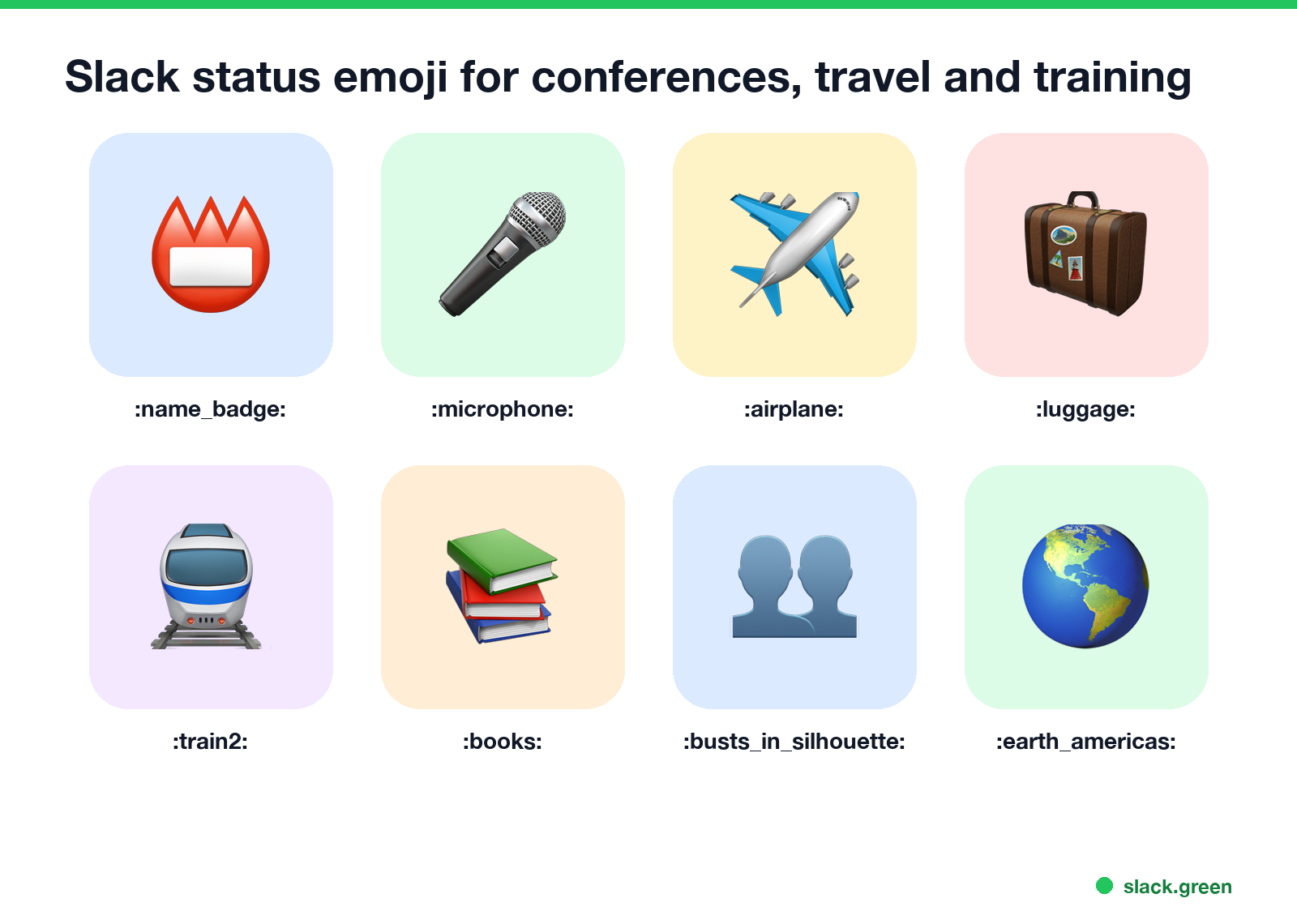
| Emoji | Code | Use for |
|---|---|---|
| 📛 | :name_badge: | Conference, event badge |
| 🎤 | :microphone: | Speaking at an event |
| 🤝 | :handshake: | Booth, customer visit |
| ✈️ | :airplane: | Flying, no Wi-Fi |
| 🧳 | :luggage: | Travelling this week |
| 🚆 | :train2: | On a train |
| 🏨 | :hotel: | At the hotel, off for the night |
| 📚 | :books: | In training |
| 🎓 | :mortar_board: | Course or certification |
| 👥 | :busts_in_silhouette: | Team offsite |
| 🌎 | :earth_americas: | Working from another time zone |
We checked each code against the emoji-data list Slack's emoji picker is built on; the full list is in our Slack emoji codes list. If your team has a custom conference or company logo emoji, use that instead. The Slack emoji maker turns a logo into one.
How to set a conference status before you leave
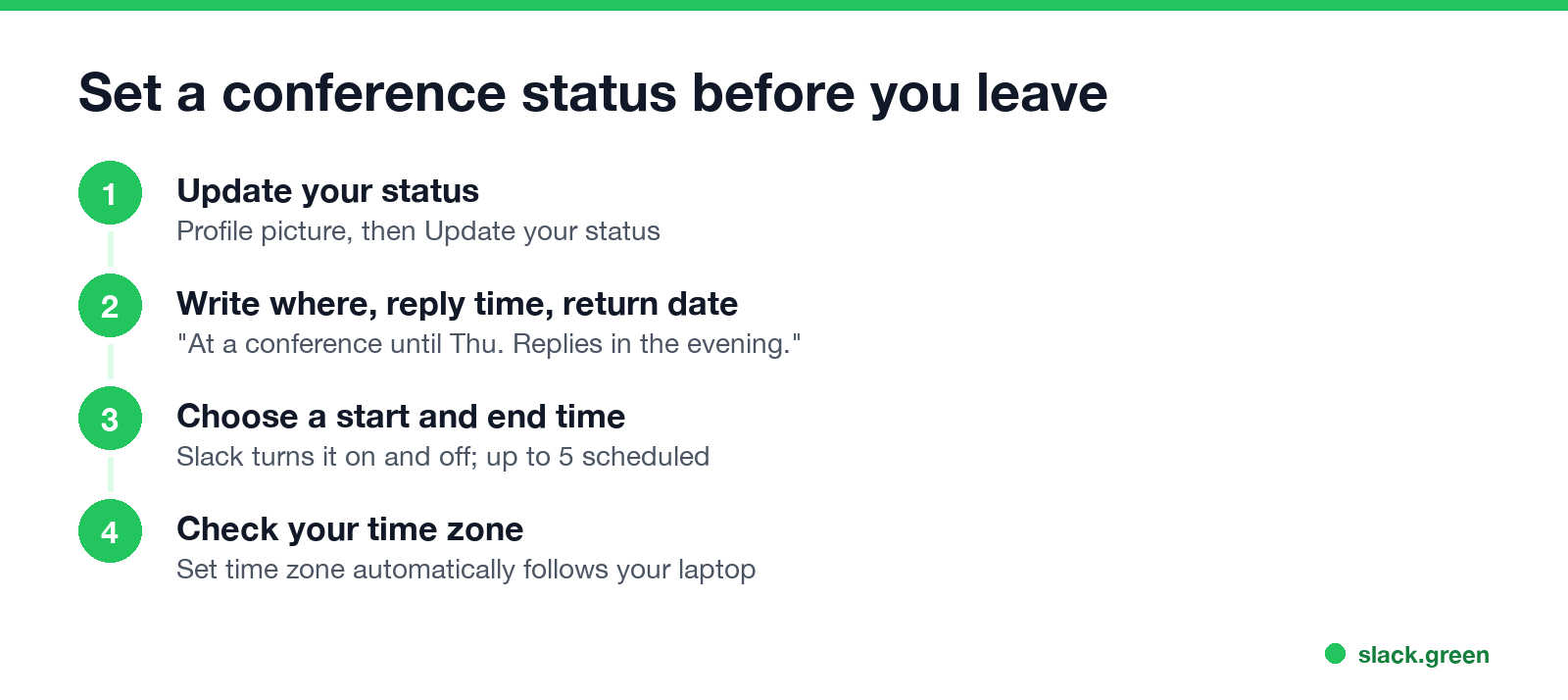
- Click your profile picture in the sidebar, then Update your status.
- Paste a status and pick an emoji.
- Open the Duration menu (or Remove status after) and choose Choose a start and end time.
- Pick the first and last day of the event, then click Save.
- • Time zone. In Preferences, Language & region, Set time zone automatically makes Slack follow your laptop. Coworkers then see your local time on your profile. See how to change time zone in Slack.
- • Working hours and notification schedule. If you set them for your home time zone, they now fire at the wrong hours. See Slack Do Not Disturb.
Slack's help says you can schedule up to five statuses at a time, so you can queue the flight, the conference days and the flight home before you pack. Details and screenshots are in how to schedule a Slack status. Check Pause notifications for the hours you are on stage or in the air.
Two settings to check before a trip:
What a travel status should say
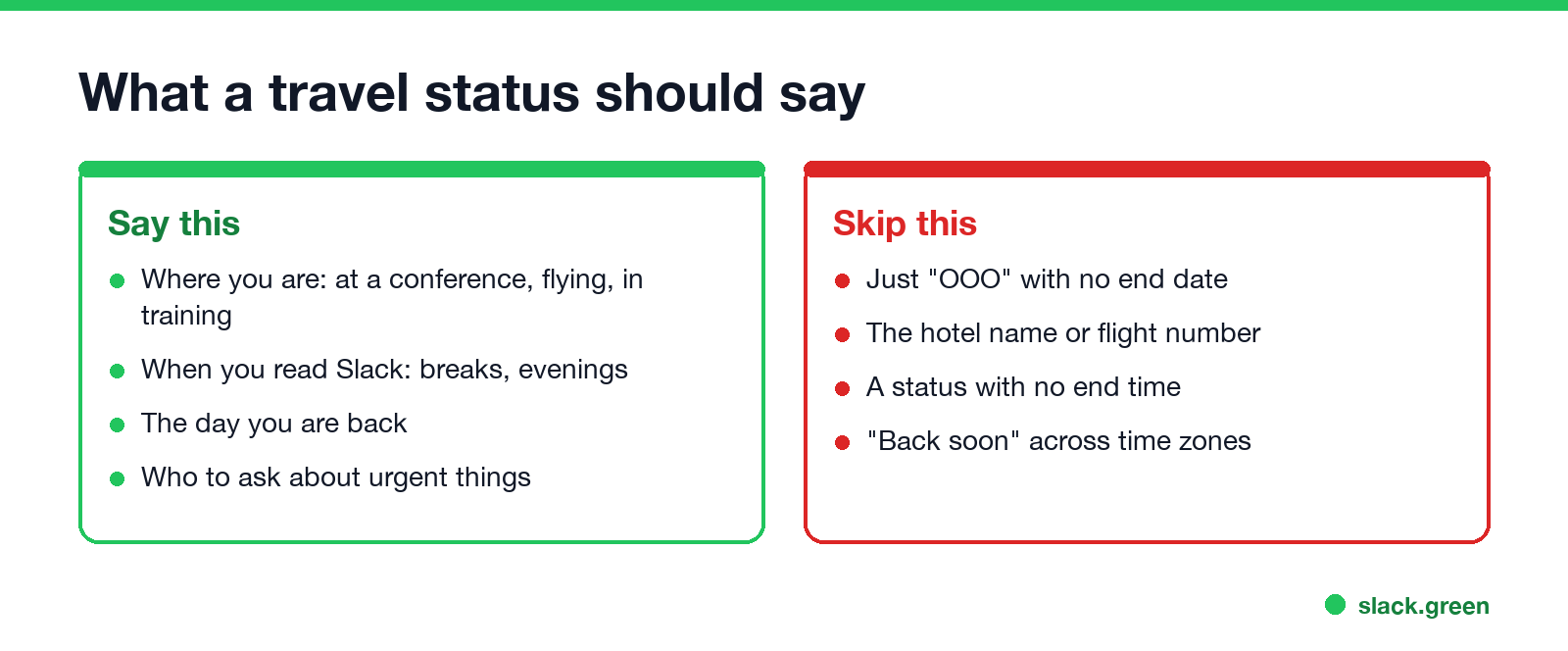
Keep it to plans people can act on. "At a conference until Thu" tells a coworker to wait or to ask someone else. Leave out the hotel name, flight number and exact location; your status is visible to everyone in the workspace and, depending on settings, to people in shared channels from other companies. For a full week away, an out-of-office status plus an auto-reply works better; see Slack out of office message.
Set a trip status with the Slack API
Never appear "away" on Slack again
Cloud-based. No downloads. Works 24/7 even when your laptop is off.
If you travel often, a script can set the status with an end time in the event's time zone. It uses users.profile.set with a user token that has the users.profile:write scope. Without --send it only prints the payload:
import json
import os
import sys
import urllib.request
from datetime import datetime
from zoneinfo import ZoneInfo

# Conference ends Thursday 1 October, 6 PM in Las Vegas
end = datetime(2026, 10, 1, 18, 0, tzinfo=ZoneInfo("America/Los_Angeles"))

profile = {
    "status_text": "At a conference until Thu. Replies in the evening.",
    "status_emoji": ":name_badge:",
    "status_expiration": int(end.timestamp()),
}
print(json.dumps(profile, indent=2))

if "--send" in sys.argv:
    req = urllib.request.Request(
        "https://slack.com/api/users.profile.set",
        data=json.dumps({"profile": profile}).encode(),
        headers={
            "Authorization": "Bearer " + os.environ["SLACK_USER_TOKEN"],
            "Content-Type": "application/json; charset=utf-8",
        },
    )
    print(urllib.request.urlopen(req).read().decode())
Run without --send, it prints "status_expiration": 1790902800, the Unix time for 6 PM Pacific on 1 October. Slack's docs say status_text takes up to 100 characters and a status_expiration of 0 means the status never clears.
FAQ
What should my Slack status be at a conference?
Where you are, when you reply and when you are back: "📛 At a conference until Thu. Replies in the evening."
What emoji means conference in Slack?
📛 :name_badge: is the usual one. 🎤 :microphone: fits if you are speaking.
What Slack status should I use for training?
"📚 In training until 3 PM, then back." Add who to ask if the training runs all day.
What should my Slack status say when travelling?
Say you are travelling, when you will be online, and in which time zone: "✈️ Flying today. Online again at 4 PM CET."
Can I set a Slack status for several days?
Yes. Choose a start and end time when you set it. You can schedule up to five statuses ahead.
Does a status keep me active in Slack?
No. A status is text; your dot still turns away after about 10 minutes without input in Slack.
Stop Jiggling Your Mouse.
Join hundreds of remote workers who never worry about their Slack status. Set it up once, stay green forever.
Related Articles
Slack Emoji for Approved, Perfect and Sounds Good
The Slack emoji for approved is ✅ :white_check_mark:. For perfect, use 💯 :100: or 🤌 :pinched_fingers:; for sounds good or sure, 👍 :+1: or 👌 :ok_hand:. Every code checked in Slack, what each one means to readers, custom LGTM and SGTM emoji, and a pinned legend for approval channels.
Tips for Working Across Time Zones: 10 Habits That Work
Working across time zones works when the team writes things down, keeps a short overlap window for live talk, says the zone with every time, and lets tools deliver messages in each person's working hours. Ten habits, a follow-the-sun handoff note, the Slack settings that help, and a script that shows your team's local times.
Slack Emoji for OOO, PTO and Days Off
The usual Slack emoji for OOO is 🌴 :palm_tree:, with ✈️ :airplane: for travel and 🗓️ :spiral_calendar_pad: for planned PTO. Enterprise's built-in Out of office status uses ⛔. Codes for vacation, upcoming PTO, sick days, holidays and outages, custom :ooo: and :pto: emoji, and statuses to copy.