
What Does the Yellow Clock Mean in Outlook?
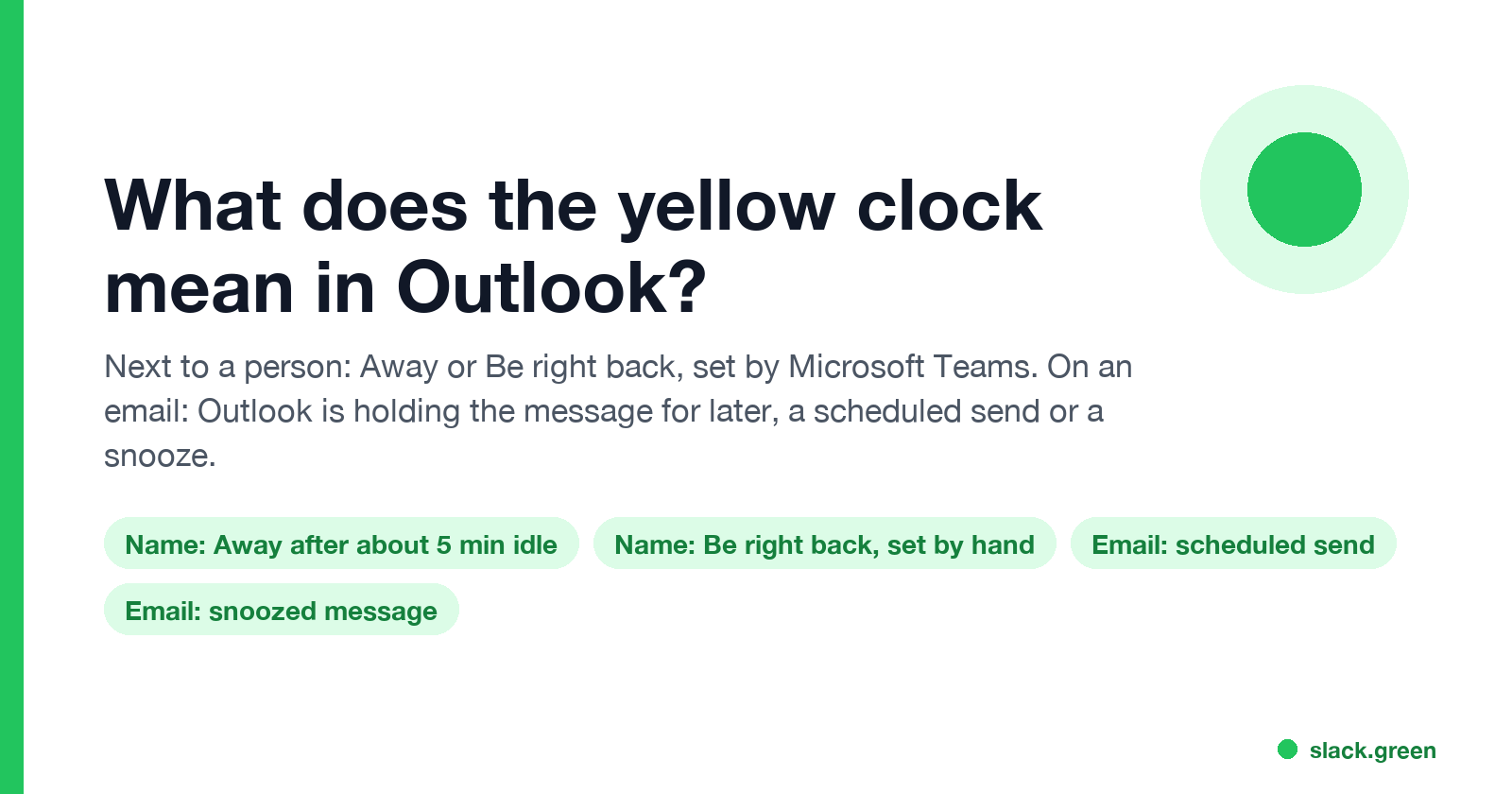
Next to a person's name or photo, the yellow clock in Outlook means Away or Be right back, a status Microsoft Teams sets. On an email, a clock means Outlook is holding that message for later: a scheduled send or a snooze.
Next to a person's name or photo, the yellow clock in Outlook means that person is Away or Be right back. Outlook shows the status Microsoft Teams sets: Teams turns you Away after about 5 minutes without keyboard or mouse input on your computer, or the moment you lock it, and people can also pick Be right back or Appear away by hand. On an email, a clock means something else: Outlook is holding that message for later, either a scheduled send that has not gone out yet or a message you snoozed. Some themes draw the clock orange; it is the same icon.
The status side works the same way in classic Outlook, the new Outlook for Windows, Outlook on the web and Outlook mobile, because all of them read the one Microsoft 365 presence that Teams keeps. Slack keeps its own status, separately: its dot goes grey 10 minutes after your last input in the Slack window, whatever Outlook shows. Slack Green keeps your Slack status active during the hours you set, from the cloud.
Yellow clock next to a name: Away or Be right back
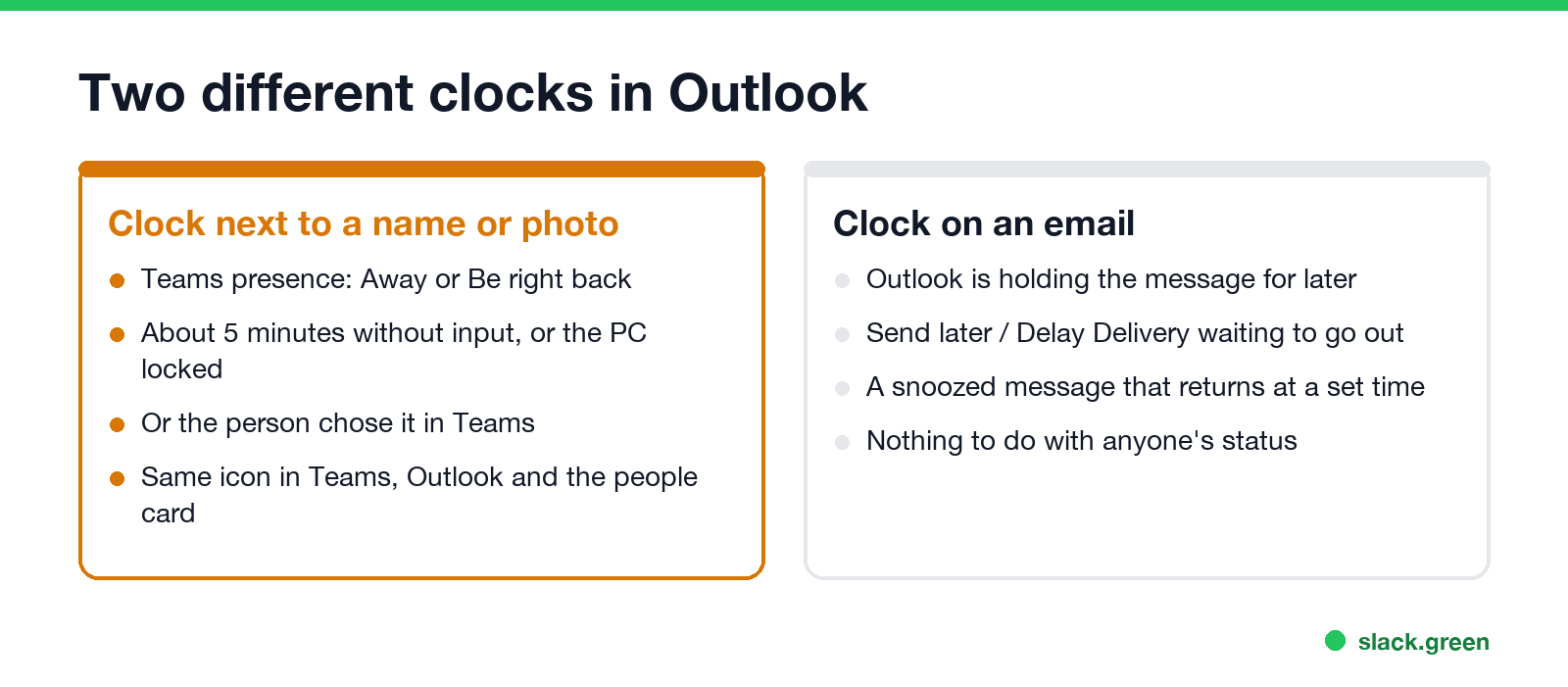
You see presence on the contact photo in a message, in the To and Cc lines while you write, on the people card, and in the scheduling view of a meeting invite. A yellow circle with a clock means one of three things:
| What you see in Teams | How it gets set |
|---|---|
| Away (set by Teams) | No keyboard or mouse input on the computer for about 5 minutes, the computer locked, or the Teams mobile app in the background |
| Be right back | The person chose it; Teams never sets it by itself |
| Appear away | The person chose it and stays Away until they reset it |
From Outlook you cannot tell which one it is. All three use the same yellow clock. Hover over the photo, or open the people card, and the status name shows under the person's name.
The other presence colors are in Outlook status colors meaning, and every icon shape, including the grey x and the purple arrow, is in Microsoft Teams status icons meaning.
Yellow clock on an email: held for later
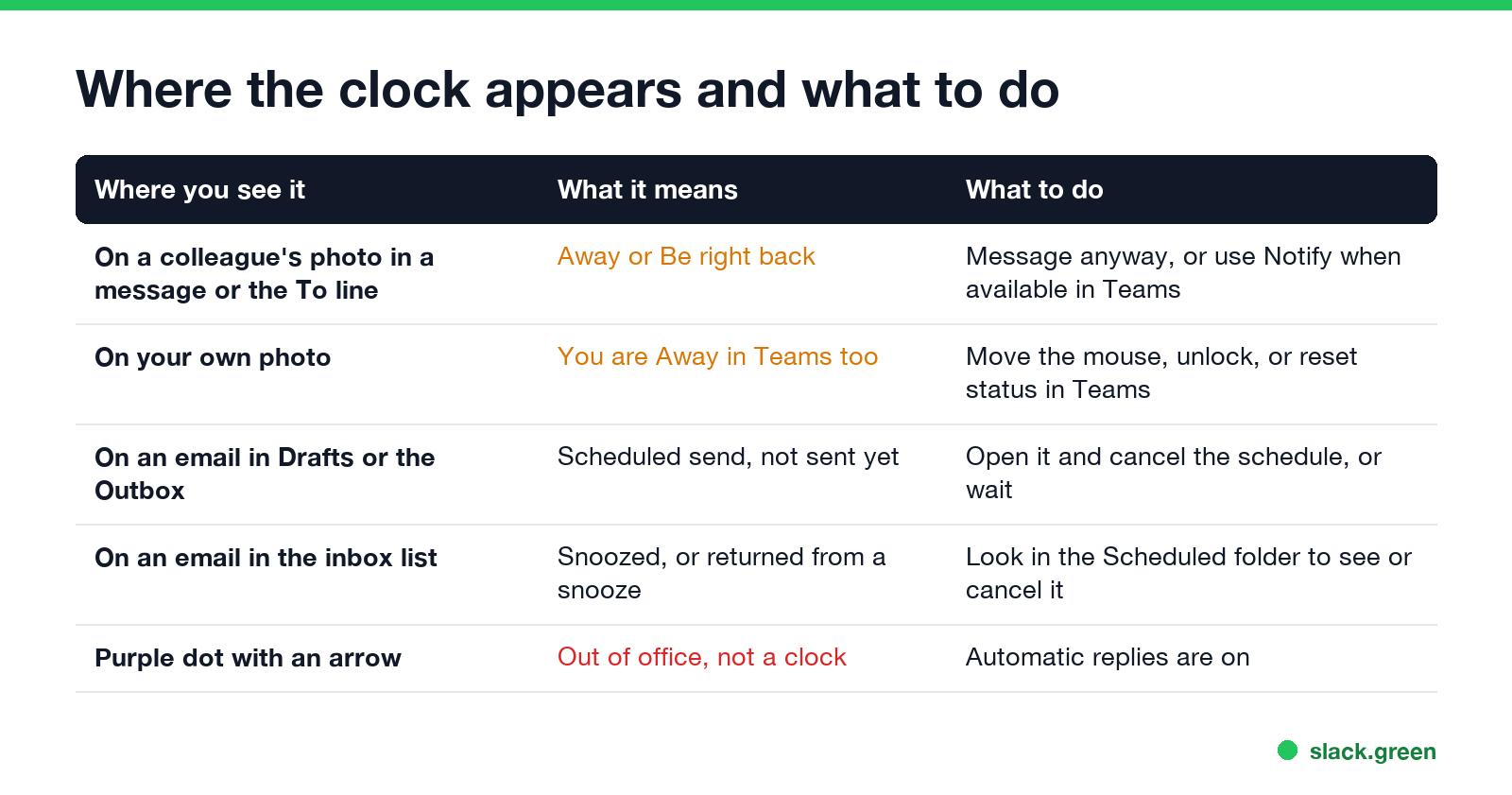
A clock on a message in the message list has nothing to do with anyone's status. It marks an email Outlook is holding back:
- • A scheduled send. In the new Outlook and Outlook on the web, Send later keeps the message in Drafts until the time you chose. In classic Outlook, Options, Delay Delivery keeps it in the Outbox. To send it now or cancel it, open the message, remove the schedule, and send it again.
- • A snoozed message. The new Outlook and Outlook on the web can snooze an email. It leaves the inbox, waits in the Scheduled folder, and returns to the top of the inbox at the time you set.
If a message sits in the classic Outlook Outbox and you did not schedule it, check Send / Receive, Work Offline first. With Work Offline on, nothing leaves the Outbox. A rule with a delay (for example "defer delivery by 2 minutes") also holds every message you send.
Why do I have a yellow clock in Outlook?
Never appear "away" on Slack again
Cloud-based. No downloads. Works 24/7 even when your laptop is off.
If the clock is on your own photo, Teams has you as Away. The usual causes:
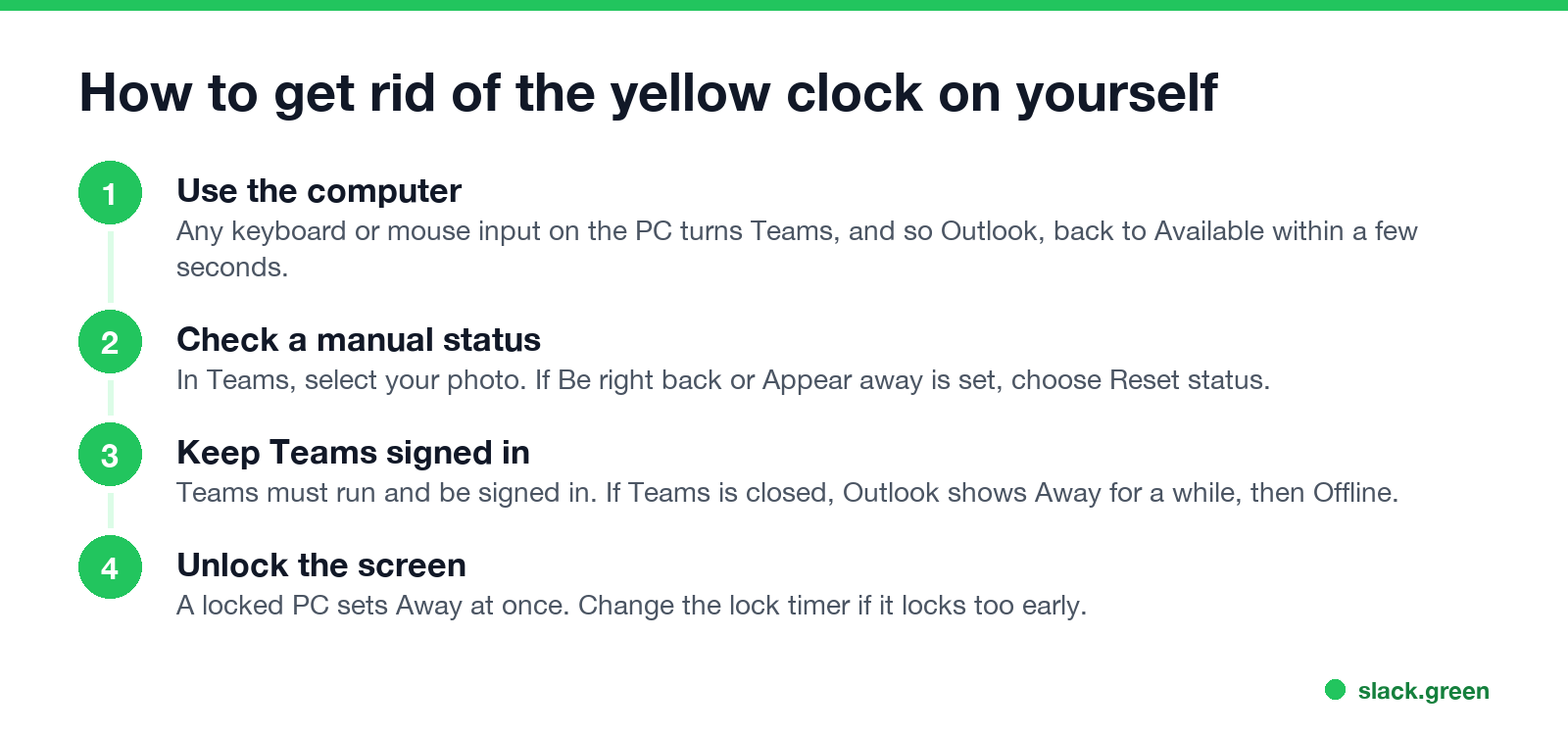
If you stay Away while you are working, the causes and fixes are in Teams status stuck on Away. To stay green through reading, calls on another device or a long document, see how to keep Teams status available and how to keep your Outlook status green.
What does the yellow clock mean on Teams?
The same thing: Away or Be right back. Teams is where the status is set, and Outlook, SharePoint and the Microsoft 365 people card all show the result. Choosing Available by hand does not stop Away when you go idle; Microsoft's presence rules let a manual status be only less available than the one Teams calculates.
Slack uses a different set of icons and its own timer. Slack shows a grey or hollow dot for away, not a clock. The meanings are in Slack status icons meaning.
FAQ
What does the yellow clock mean in Outlook?
Next to a name, Away or Be right back from Teams. On an email, a scheduled send or a snoozed message.
Is the orange clock in Outlook different from the yellow clock?
No. It is the same Away icon; the shade depends on the theme and the Outlook version.
How long until Outlook shows the yellow clock?
About 5 minutes without keyboard or mouse input on the computer, or at once when the screen locks.
Does the yellow clock mean the person is offline?
No. Offline is a grey circle with an x. The yellow clock means they are signed in but away from the computer or chose to look away.
Can someone see I am away in Outlook if I only use email?
Yes, if you are signed in to Teams. Outlook shows the same status Teams sets for you.
Stop Jiggling Your Mouse.
Join hundreds of remote workers who never worry about their Slack status. Set it up once, stay green forever.
Related Articles
LinkedIn Active Status: What the Green Dot Means and How to Hide It
On LinkedIn, a solid green dot on someone's photo means they are active on LinkedIn now. A hollow green circle means they are not, but the mobile app will notify them at once. Turn yours off under Settings & Privacy, Visibility, Manage active status; with No one, you also stop seeing other people's status.
Teams Status Light: Busy Lights That Follow Your Teams Status
A Teams status light is a USB or Bluetooth busy light that copies your Microsoft Teams presence: green when Available, red in a call or on Do not disturb. Luxafor, Kuando and Embrava sell them; PresenceLight and a short Graph API script do it free with a smart bulb. The light shows your status; it cannot change it.
Mouse Jiggler for Linux: Free xdotool and ydotool Scripts
The free Linux mouse jiggler is a short loop: xdotool on X11 or ydotool on Wayland moves the pointer 1 pixel and back every minute. If you only need the screen to stay on, an inhibitor is cleaner. Slack still counts only input inside its own window.