
Slack Chrome Extensions: What Exists and What Got Removed
Most searches for a Slack Chrome extension want one of three things: a stay-active extension, a setup helper, or small workflow tweaks. The famous stay-active ones were removed in 2024. What remains, and what replaced them.
Searches for a Slack Chrome extension usually want one of three things: an extension that keeps the green dot on, a helper for connecting Slack to another tool, or small notification and formatting tweaks. The first category has a history worth knowing before you install anything.
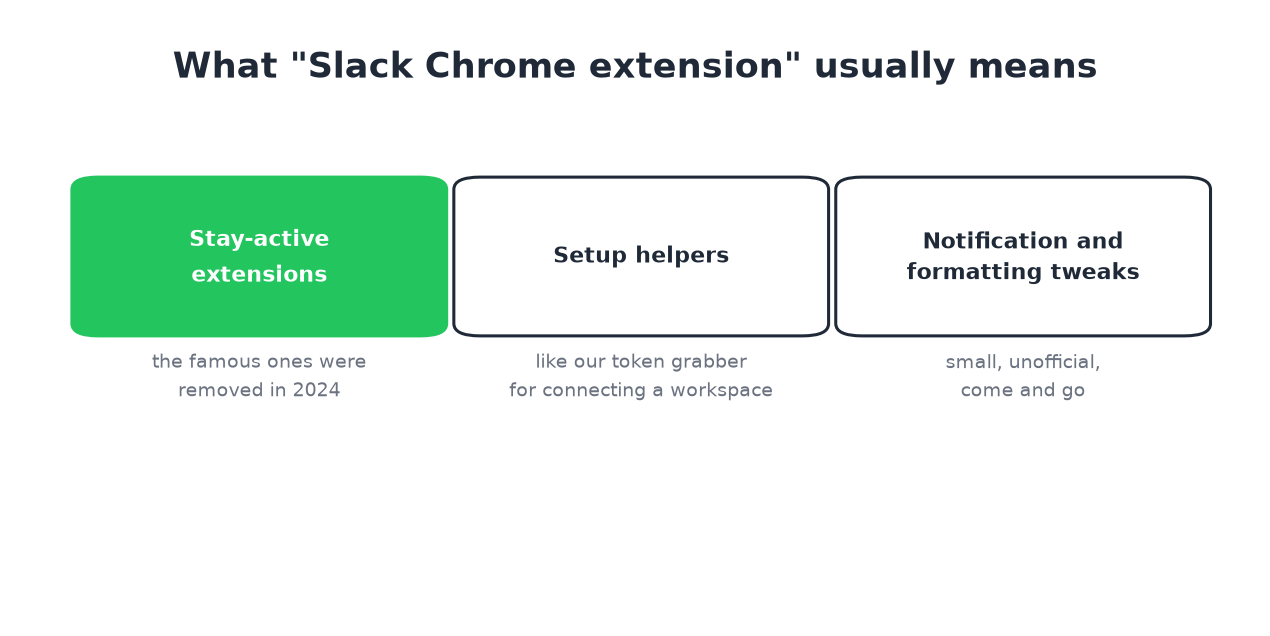
We build Slack Green, which includes one extension in the second category, so the products in this page are described with their trade-offs stated.
The stay-active extensions, and why they died
For years the popular answer to Slack's 10-minute away flip was a Chrome extension that simulated activity in the Slack tab. The mechanism was right: input inside the Slack window is the only thing the timer counts.
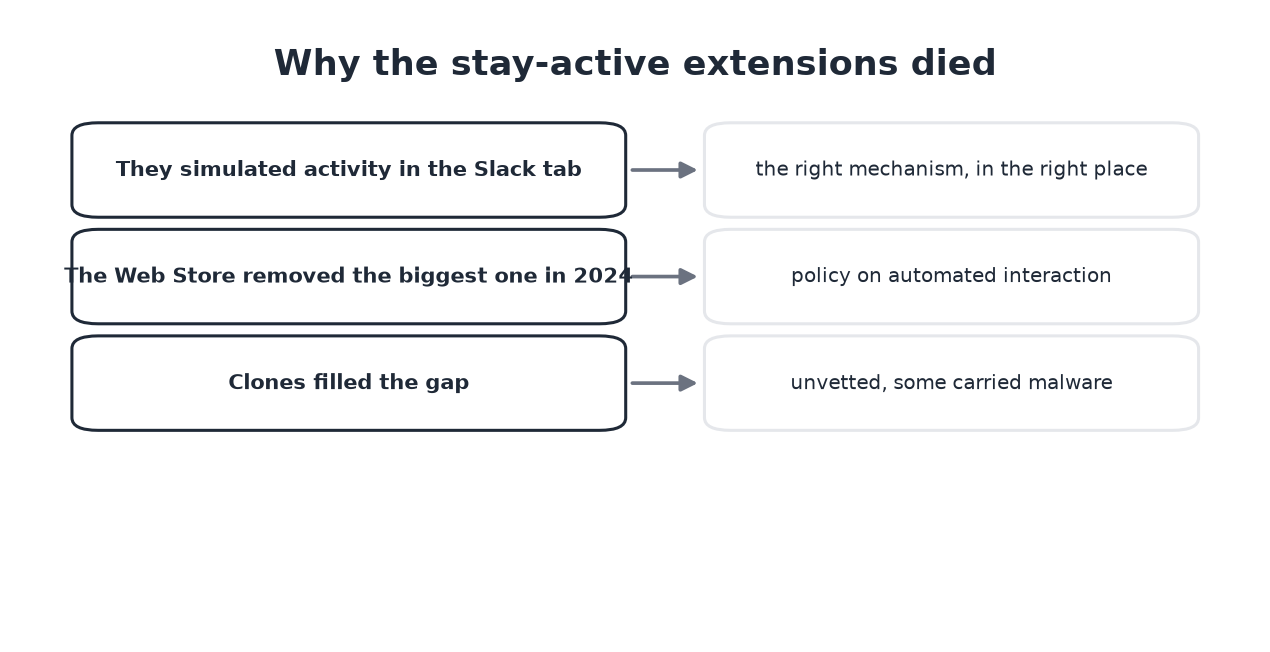
Then the Chrome Web Store removed the biggest one in 2024 under its automated-interaction policies, clones appeared, and some of the clones carried malware. Today, installing an unknown stay-active extension means trusting an unvetted script with a tab that holds your Slack session tokens. The tools comparison rates the category 2.5 of 5 for exactly that reason.
What we ship as an extension
The Slack Green extension does one narrow job: it reads your own session tokens from your logged-in Slack tab so you can connect a workspace in two clicks instead of digging through DevTools. It does not simulate activity, run in the background, or stay necessary: you can remove it after setup, and the presence work happens server-side where no store policy can kill it.
Extension or server, the honest split
Nunca más aparezcas como "ausente" en Slack
Basado en la nube. Sin descargas. Funciona 24/7 incluso con tu laptop apagada.
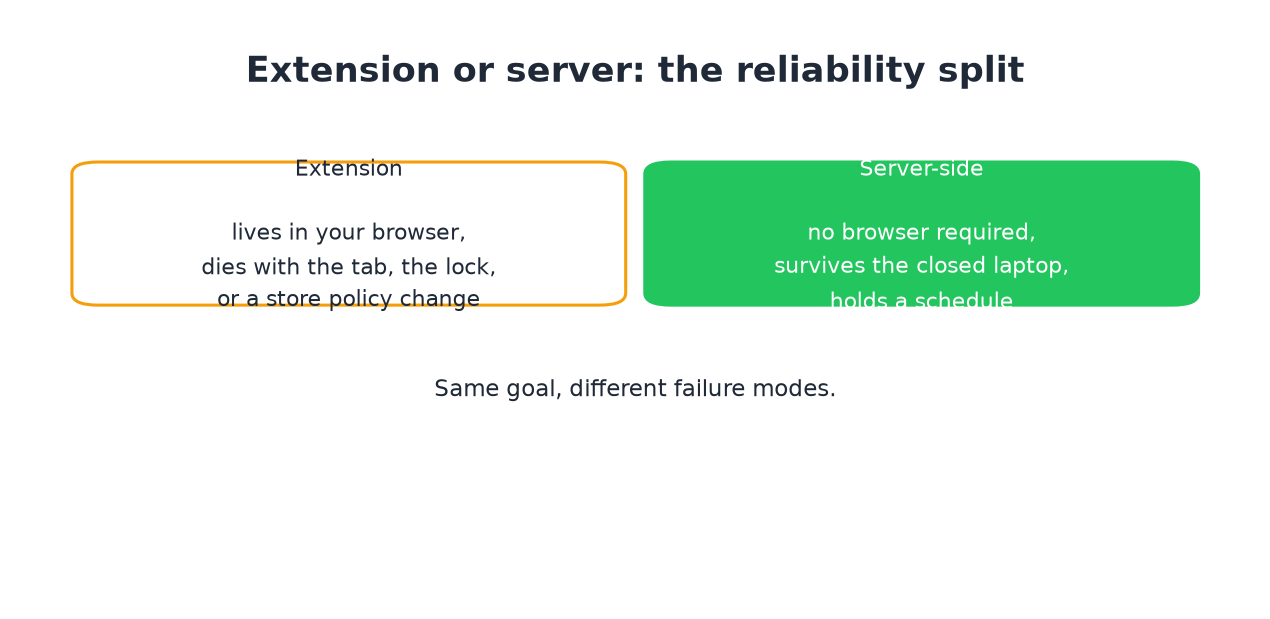
An extension lives inside your browser: it stops at a closed tab, a locked machine, or a policy change you do not control. A server-side service keeps working with the laptop shut and follows a schedule. If the dot is the job, the split decides it. If a quick tweak is the job, an extension is fine, chosen carefully.
Choosing safely
- • Check the developer name and site on the store listing.
- • Prefer extensions that work without reading your Slack page content; review the permissions list before installing.
- • Treat "always active" listings with the 2024 history in mind: the
Frequently asked questions
Is there a Chrome extension that keeps Slack active? Clones exist, the vetted originals are gone, and the category dies with your browser being open anyway. The alternatives are compared in how to keep Slack active.
Is the Slack Green extension required to use Slack Green? No. It is a setup shortcut. The manual path does the same thing in a few more clicks, and the CLI skips the browser entirely.
Do extensions work with Slack's desktop app? No. Chrome extensions only see Slack in a browser tab. The desktop app is outside their reach, which is one more reason the category is fragile.
The short version
Nunca más aparezcas como "ausente" en Slack
Basado en la nube. Sin descargas. Funciona 24/7 incluso con tu laptop apagada.
The extension era of keeping Slack green ended in 2024. What survived: narrow setup helpers, small tweaks, and the server-side approach that does not depend on a browser being open. Pick by what you need surviving: the dot, or just a better tab.
Deja de Mover el Ratón.
Cientos de trabajadores remotos ya no se preocupan por su estado de Slack. Configúralo una vez, mantente verde para siempre.
Related Articles
How to Delay and Schedule Slack Messages
Slack can send a message later: the schedule menu sits on the arrow next to Send. What it can do, what it cannot (no undo-send), the steps on desktop and mobile, and when a reminder fits better.
Cómo mantener Slack activo: todos los métodos que funcionan en 2026
Slack te marca como ausente tras 10 minutos sin actividad y no hay ningún ajuste para cambiarlo. Todos los métodos que mantienen tu estado activo, lo que cuesta cada uno y los trucos que fallan en silencio.
Funny Slack Status Ideas That Survive a Work Channel
Copy-paste funny Slack statuses sorted by situation: deep work, meetings, lunch, Friday, and out of office. The two rules that keep a joke work-safe, and why the status never touches your green dot.